
ASUS TUF Gaming F16
4.3Editor score
Intel Core 5 210H
RTX 4050
144Hz IPS Display
ASUS Tuf Gaming laptops are known for their rugged build quality and solid performance across a wide range of budgets. These machines combine military-grade durability with modern gaming specs like high refresh rate displays and powerful graphics cards. Finding the right model depends on your specific needs for portability, raw power, and screen quality.
We have analyzed ten distinct configurations from the current lineup to provide a clear comparison of their capabilities. Each entry features detailed specifications regarding processors, graphics units, memory, and storage solutions. Our focus remains on how these components work together to deliver smooth gameplay and reliable multitasking.
Every product listing includes key features and real user ratings to give you a complete picture of what to expect. Please note that prices and availability can change frequently on online retailers. Always verify the final cost before making your purchase decision to ensure you get the best value available today.
4.3Editor score
5.0Editor score

5.0Editor score
As an Amazon Associate we earn from qualifying purchases.
The following table provides a side-by-side look at the core specifications and ratings for each model in our list. This allows you to quickly identify which system offers the processor speed, graphics performance, and display features that match your gaming requirements.



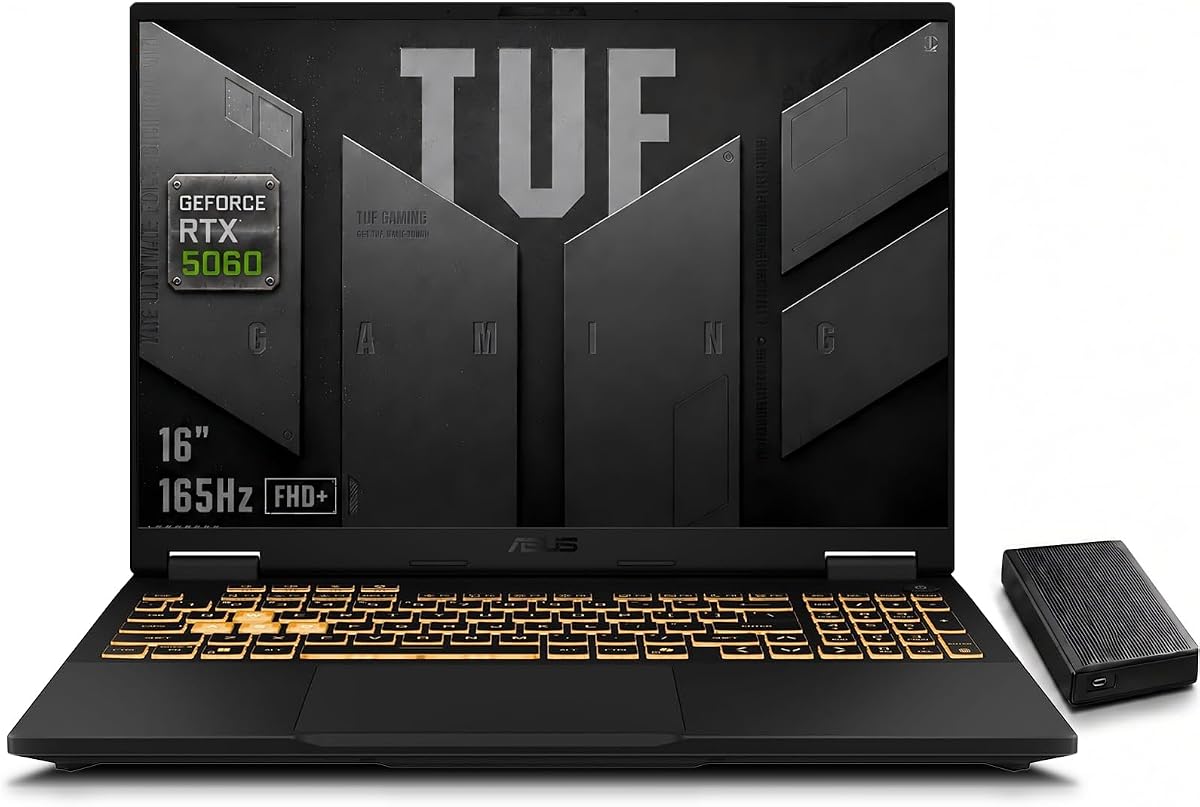
This model stands out as a top performer in the lineup with its latest processor and graphics options. It achieves a perfect rating from users who appreciate its ability to handle demanding AAA titles without compromise.
We may earn a commission when you buy through this link, at no additional cost to you.
The Intel Core i7-14650HX provides immense power for both gaming and content creation tasks. The RTX 5060 runs at a full 115W TGP ensuring you get every bit of graphical performance from the hardware.
While the system is designed for maximum performance it may run warm under heavy load though the intelligent cooling mitigates this well. The external drive inclusion adds extra storage but might be unnecessary for those with cloud solutions.
This laptop is ideal for serious gamers who need top-tier specs for future-proofing their setup. The combination of speed and display quality makes it a standout choice for competitive and immersive play.
The full power GPU ensures smooth frame rates even in graphically intense scenarios.
The 165Hz refresh rate eliminates motion blur for a competitive edge in shooters.
We may earn a commission when you buy through this link, at no additional cost to you.
A strong contender for budget-conscious gamers this model offers a balanced mix of performance and reliability. Its rating reflects satisfaction with the gaming experience provided by the RTX 4050.
We may earn a commission when you buy through this link, at no additional cost to you.
The Intel Core 5 processor handles daily tasks efficiently while the GPU delivers smooth gameplay at high settings. The 100% sRGB screen ensures colors look vibrant and accurate for media consumption.
Storage is limited to 512GB which may fill up quickly with large modern games. Upgrading storage later is possible but adds to the initial cost of ownership.
This is the perfect entry point for anyone wanting a durable laptop that can game well without breaking the bank. It holds up well in tough conditions making it great for students or travelers.
You get significant performance value for a much lower price than high end models.
MIL-STD-810H testing ensures it can survive drops and vibrations during transport.
We may earn a commission when you buy through this link, at no additional cost to you.
This configuration maximizes the potential of the chassis with top tier memory and storage options. Users praise it for handling massive multitasking loads alongside heavy gaming sessions effortlessly.
We may earn a commission when you buy through this link, at no additional cost to you.
With 32GB of DDR5 RAM you can run dozens of tabs and applications without any slowdown. The 1TB PCIe 4.0 SSD loads games in seconds providing a seamless experience from boot to play.
The high price reflects the premium components included which might be overkill for casual users. The weight is also notable as the battery and hardware add bulk to the chassis.
If you need a workstation and gaming machine combined this is the best choice available. It ensures you will not run out of memory or storage anytime soon.
32GB of RAM supports complex video editing and heavy streaming setups simultaneously.
G-SYNC support reduces tearing for a clearer image during fast moving scenes.
We may earn a commission when you buy through this link, at no additional cost to you.
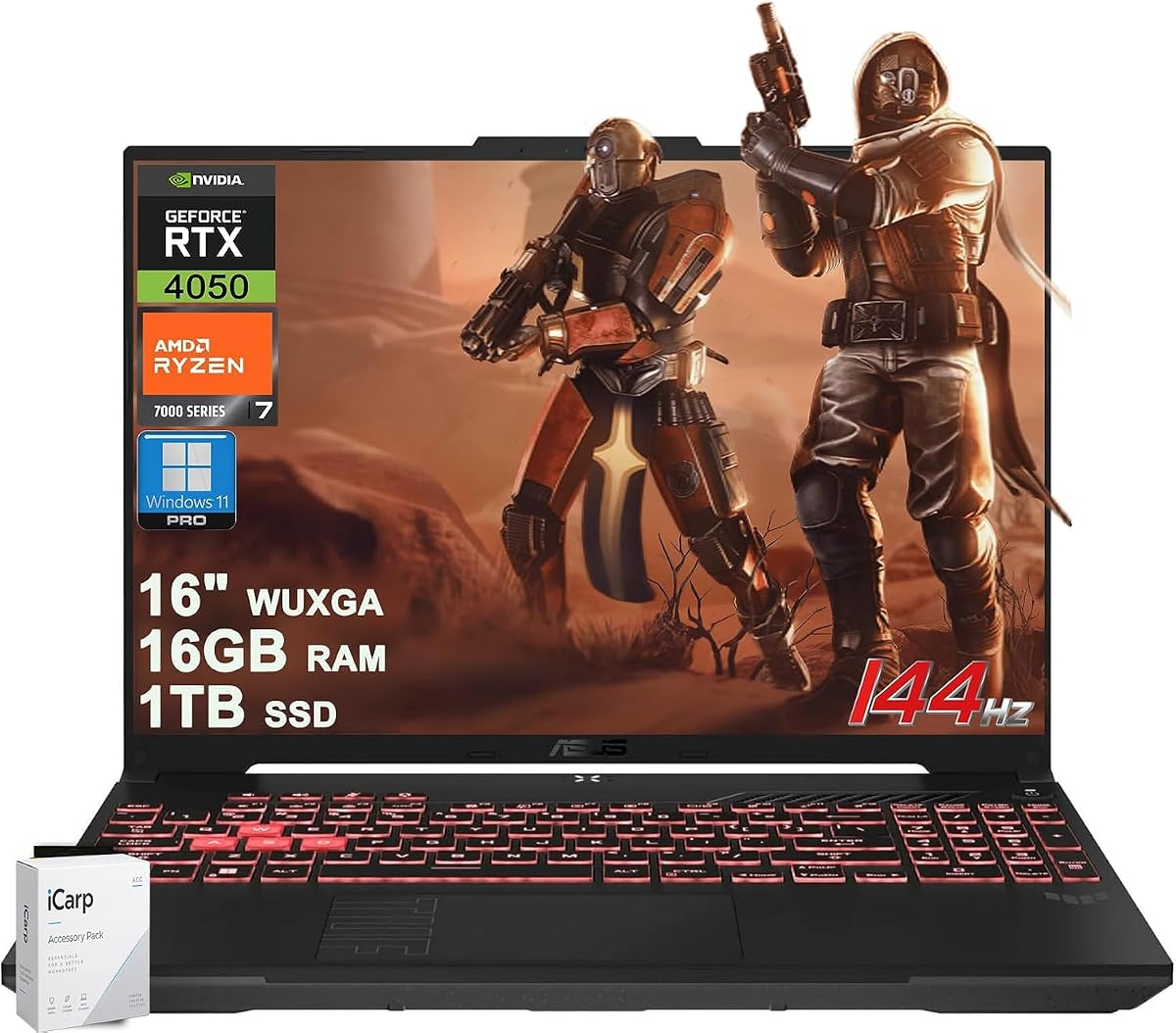
This model caters to those who prefer AMD processors for their efficiency and performance characteristics. It offers a unique resolution and connectivity set that stands out in the lineup.
We may earn a commission when you buy through this link, at no additional cost to you.
The Ryzen 7 processor delivers strong multi core performance for both work and gaming. The USB4 port provides fast data transfer and versatile connectivity options for external displays.
Some users note confusion regarding the specific configuration sold due to the detailed title. The build quality is solid but may not match the refinement of other flagship models.
It is a great option for users looking for specific AMD features and high resolution screens. The 1TB SSD is a welcome addition for storing large libraries of content.
WUXGA resolution offers more vertical space for productivity and immersive gaming.
USB4 allows for daisy chaining and fast data transfer to external drives.
We may earn a commission when you buy through this link, at no additional cost to you.
A compact powerhouse this laptop is designed for those who prioritize portability without sacrificing too much power. It brings AI capabilities to the forefront for enhanced productivity tasks.
We may earn a commission when you buy through this link, at no additional cost to you.
The unified memory design allows the system to allocate resources dynamically between the CPU and GPU. This means you can prioritize graphics performance when gaming or memory for creative work.
While the integrated graphics are impressive they still fall short of dedicated RTX cards in raw power. The price reflects the unique form factor and premium memory technology used inside.
It is an excellent choice for travelers and students who need a light machine for light gaming and work. The display quality is exceptional making media consumption a real pleasure.
LPDDR5X memory ensures fast data access and efficient power usage.
WQXGA resolution on a 14 inch panel makes text look incredibly sharp.
We may earn a commission when you buy through this link, at no additional cost to you.
This version maintains the classic TUF aesthetic with a design that has proven popular over time. It delivers a consistent experience that is reliable for everyday gaming and school work.
We may earn a commission when you buy through this link, at no additional cost to you.
The 16:10 aspect ratio provides more vertical space for viewing documents and web pages. The anti-dust filter helps keep the internal components clean and the system running smoothly.
The 8GB of RAM is the main bottleneck as modern games often require more for smooth multitasking. Upgrading the RAM should be the first step after purchase to unlock full potential.
It is a great starting point for those who want a familiar and trusted design. The solid construction ensures it will last through years of regular use.
Anti dust filters prevent debris buildup to maintain airflow and cooling efficiency.
The 16:10 screen allows you to see more content without scrolling.
We may earn a commission when you buy through this link, at no additional cost to you.
A highly rated option this machine offers a great balance of power and practical features. The inclusion of Windows 11 Pro adds value for users who need advanced system features.
We may earn a commission when you buy through this link, at no additional cost to you.
The Ryzen processor excels in multi-threaded tasks making it efficient for rendering and compiling code. The backlit keyboard ensures you can type comfortably in dim environments.
While the chassis is sturdy it may not feel as premium as higher end models. The port selection is functional but lacks some of the latest Thunderbolt options found elsewhere.
This laptop is a smart buy for those who prioritize performance per dollar. It delivers a robust experience for gaming and work alike.
Windows 11 Pro includes BitLocker and remote desktop for better security.
The backlit keys allow for easy typing in dark gaming sessions.
We may earn a commission when you buy through this link, at no additional cost to you.
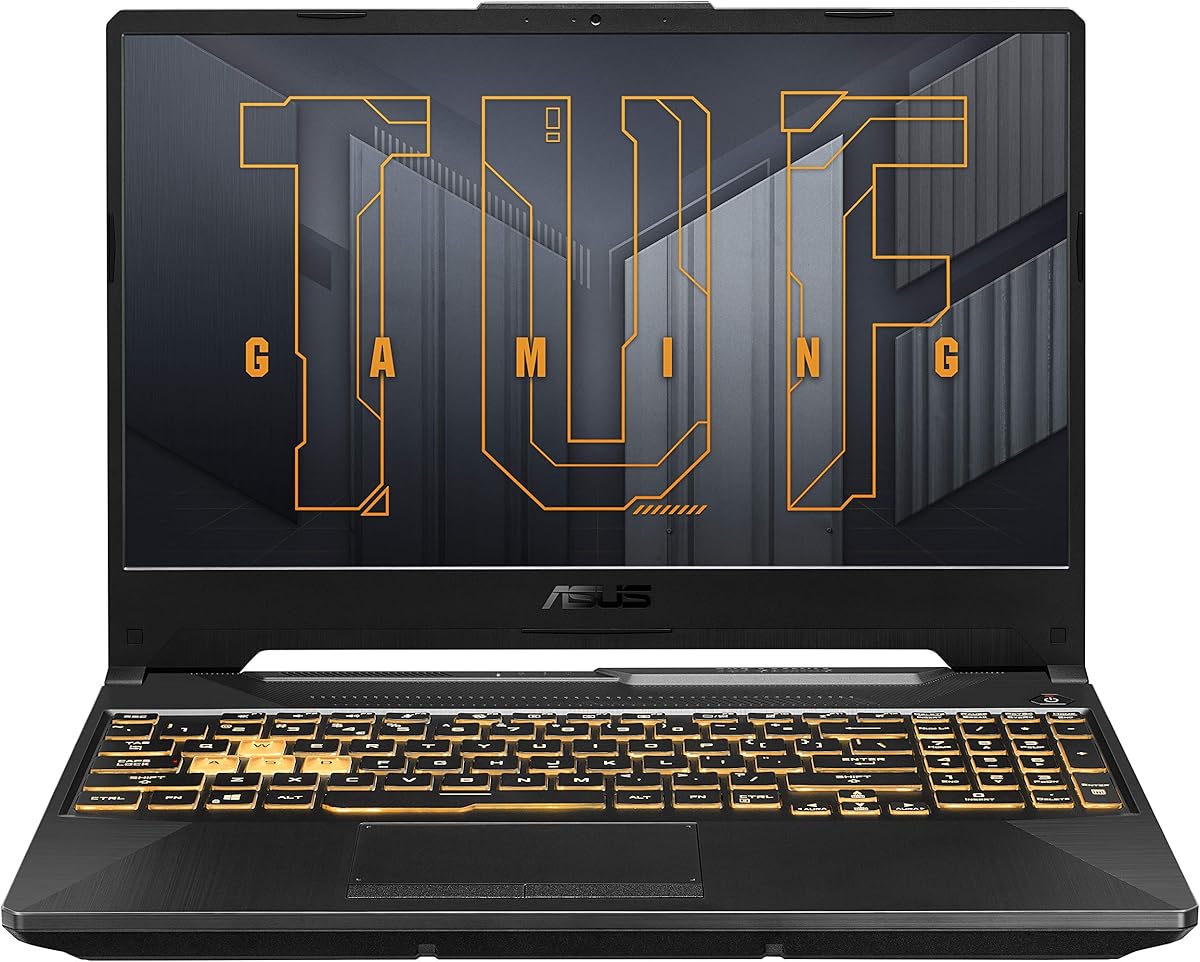
This model brings the classic 15.6 inch form factor to the current generation of hardware. It is a solid choice for users who prefer a smaller footprint for their desk setup.
We may earn a commission when you buy through this link, at no additional cost to you.
The RTX 3050 handles casual gaming and eSports titles well though it may struggle with latest AAA games at high settings. The DDR5 memory ensures the system stays responsive for daily use.
The graphics card is older than others on this list which impacts long term value for gaming. Upgrading to a newer GPU in the future is not possible on this model.
It is an excellent fit for casual gamers who do not need top tier graphical performance. The durable build ensures it will withstand daily wear and tear.
Wi-Fi 6 provides faster and more stable connections for online gaming.
The 15.6 inch size fits easier on smaller desks and in backpacks.
We may earn a commission when you buy through this link, at no additional cost to you.
This model is packed with connectivity options and high performance components for demanding users. It supports modern standards like Thunderbolt 4 and HDMI 2.1 for external displays.
We may earn a commission when you buy through this link, at no additional cost to you.
The RGB keyboard adds a visual flair that many gamers appreciate for their setups. The 90Wh battery helps extend usage time when away from a power outlet.
The weight of the unit is significant due to the large battery and cooling system. The power adapter is also quite large to support the high wattage GPU and CPU.
It is perfect for users who want a desktop replacement with portable capabilities. The connectivity ensures you can hook it up to any modern monitor or dock.
Thunderbolt 4 allows for docking and fast charging in one connection.
RGB backlighting adds style and customization to your desk setup.
We may earn a commission when you buy through this link, at no additional cost to you.
The final model offers a massive amount of storage with both internal and external drives included. It combines high end specs with practical storage solutions for media and game libraries.
We may earn a commission when you buy through this link, at no additional cost to you.
With 32GB of RAM the system handles heavy workloads with ease. The external drive provides an easy way to back up data or store older games.
The external drive adds to the bulk of the package which might be cumbersome for travel. It is a unique selling point for users who need massive storage out of the box.
This laptop is ideal for power users who manage large amounts of data daily. The high specs ensure it remains relevant for years of use.
Combined storage options allow you to store thousands of games and files.
The top tier CPU and GPU ensure long term gaming and productivity support.
We may earn a commission when you buy through this link, at no additional cost to you.
Selecting the right laptop requires balancing your budget with your performance needs. Consider these key factors to find a model that fits your gaming and work habits.
The processor determines how fast your laptop can handle tasks like game loading and editing. Look for HX series Intel or Ryzen 7 CPUs for top performance.
Choose a high core count processor for future proofing and smoother multitasking.
Graphics cards are essential for rendering games and creative visual effects. Aim for RTX 4050 or higher to run modern titles smoothly.
Ensure the GPU has a high TGP for better performance during long sessions.
Random access memory impacts how many applications you can run at once. At least 16GB is standard for gaming while 32GB offers room for heavy work.
DDR5 memory provides faster speeds and better efficiency than older generations.
A high refresh rate makes gameplay look smoother and more responsive to input. 144Hz is a good baseline while 165Hz offers even more fluidity.
Look for IPS panels with good color coverage for accurate visuals and colors.
Modern games take up large amounts of space so storage is a key consideration. SSDs offer fast load times but smaller capacities fill up quickly.
Consider models with 1TB storage or expansion slots for additional drives.
Good cooling keeps the laptop from overheating and slowing down during intense use. Look for multiple fans and heat pipes in the design.
Intelligent airflow helps maintain stable performance over long gaming sessions.
Rugged laptops are tested to withstand drops and extreme conditions. MIL-STD-810H certification ensures the build can handle travel and accidents.
A solid chassis protects internal components and extends the life of the device.
Ports allow you to connect peripherals like monitors and external drives. Thunderbolt or USB4 ports offer the fastest data transfer speeds.
Ensure the laptop has HDMI and USB-A ports for standard accessories.
Keep the laptop on a hard flat surface to ensure proper airflow and cooling. Using it on soft surfaces like a bed can block vents and cause overheating.
Use the manufacturer software to update drivers and optimize performance settings. This ensures you get the best experience and security updates.
Clean the keyboard and screen with a soft cloth to remove dust and fingerprints. Avoid harsh chemicals that can damage the coatings or keys.
The ASUS TUF Gaming F16 with the RTX 4050 is a strong candidate in this range. It offers a solid balance of performance and price for entry level gaming.
Most models include Windows 11 Home by default. Some specific configurations offer the Pro version which is better for business and advanced users.
The standard TUF gaming displays are not touch sensitive. They focus on high refresh rates for gaming rather than touch functionality.
Most models have accessible RAM slots that allow for upgrades. Check the manual to confirm the maximum supported memory size.
Gaming drains the battery quickly so expect only a few hours. For best battery life plug into a power source whenever you play.
They typically use a combo jack for headphones and microphone. You can connect standard headsets to the single audio port easily.
Yes the powerful processors and GPUs handle rendering well. High RAM configurations are recommended for smoother 4K editing.
The 16 inch models usually weigh around 4 to 5 pounds. They are portable but heavier than thin and light ultrabooks.
The ASUS TUF lineup offers a range of options from budget friendly to premium configurations. Our top picks provide excellent value and performance for most gamers.
Prioritize the CPU and GPU power for gaming and the display for visual quality. Ensure you have enough RAM and storage for your specific needs.
Prices and availability change so check current listings before buying. Verify specs and warranties to ensure you get the right model for your needs.