
ASUS ROG XG27ACS
4.4Editor score
180Hz refresh rate
1ms response time
USB-C hub support
G-SYNC compatible
Explore our expert guide to the best AI Ready Monitors for 2026. We compare top models featuring smart upscaling, voice control, and adaptive brightness for
AI Ready Monitors transform your workspace with intelligent features like adaptive brightness, noise cancellation, and smart upscaling. These displays enhance productivity and entertainment by leveraging artificial intelligence to optimize visuals and audio in real time.
We evaluated ten leading models based on resolution, refresh rates, connectivity, and integrated AI capabilities. Our comparison covers everything from budget-friendly options to premium smart displays, ensuring you find the perfect screen for your specific needs.
Each pick highlights standout features, pros, cons, and ideal use cases to simplify your decision. Prices and availability change frequently, so verify current details before purchasing to ensure you get the best deal for your setup.
4.4Editor score

4.2Editor score

4.3Editor score
This side-by-side comparison breaks down the key specifications of all ten AI Ready Monitors. Review resolution, connectivity options, refresh rates, and unique smart features to determine which display aligns best with your workflow.




The Samsung 32 Smart Monitor M7 earns its top spot by integrating Samsung Vision AI directly into a 4K display. Rated 4.2 stars, it delivers an intelligent viewing experience that adapts visuals and audio without needing a PC.
We may earn a commission when you buy through this link, at no additional cost to you.
Its standout features include the AI Picture Optimizer which tailors contrast for documents or games. Active Voice Amplifier analyzes background noise to ensure clear dialogue. You can stream content directly or control smart home devices from the screen.
While it lacks an adjustable stand height, the smart ecosystem compensates with robust app support and a clean aesthetic. The Gaming Hub allows console-free play, making it versatile for entertainment and work setups alike.
Buyers seeking an all-in-one entertainment and work hub will find this model ideal. It simplifies desk clutter by removing the need for extra streaming devices or speakers.
Vision AI adjusts brightness and contrast based on content type for optimal viewing comfort.
Active Voice Amplifier uses AI to filter background noise and prioritize spoken dialogue.
We may earn a commission when you buy through this link, at no additional cost to you.
The Samsung 40 ViewFinity S8 offers a stunning 5K2K curved display for professionals needing extensive workspace. Rated 4.3 stars, it combines high resolution with Thunderbolt 5 connectivity to manage data-intensive tasks effortlessly.
We may earn a commission when you buy through this link, at no additional cost to you.
Its panoramic 40-inch screen supports Picture-by-Picture for multitasking. The built-in KVM switch lets you control two devices with one keyboard. Thunderbolt 5 allows up to 140W charging for compatible laptops.
While expensive and large, its productivity features justify the cost for power users. The ergonomic stand allows tilt and pivot for comfortable long sessions.
Invest in this monitor if you require supreme multitasking capabilities and high-resolution visuals for design or data work.
Enables high-speed data transfer and rapid charging for compatible devices.
KVM switch allows control of two sources simultaneously with shared peripherals.
We may earn a commission when you buy through this link, at no additional cost to you.
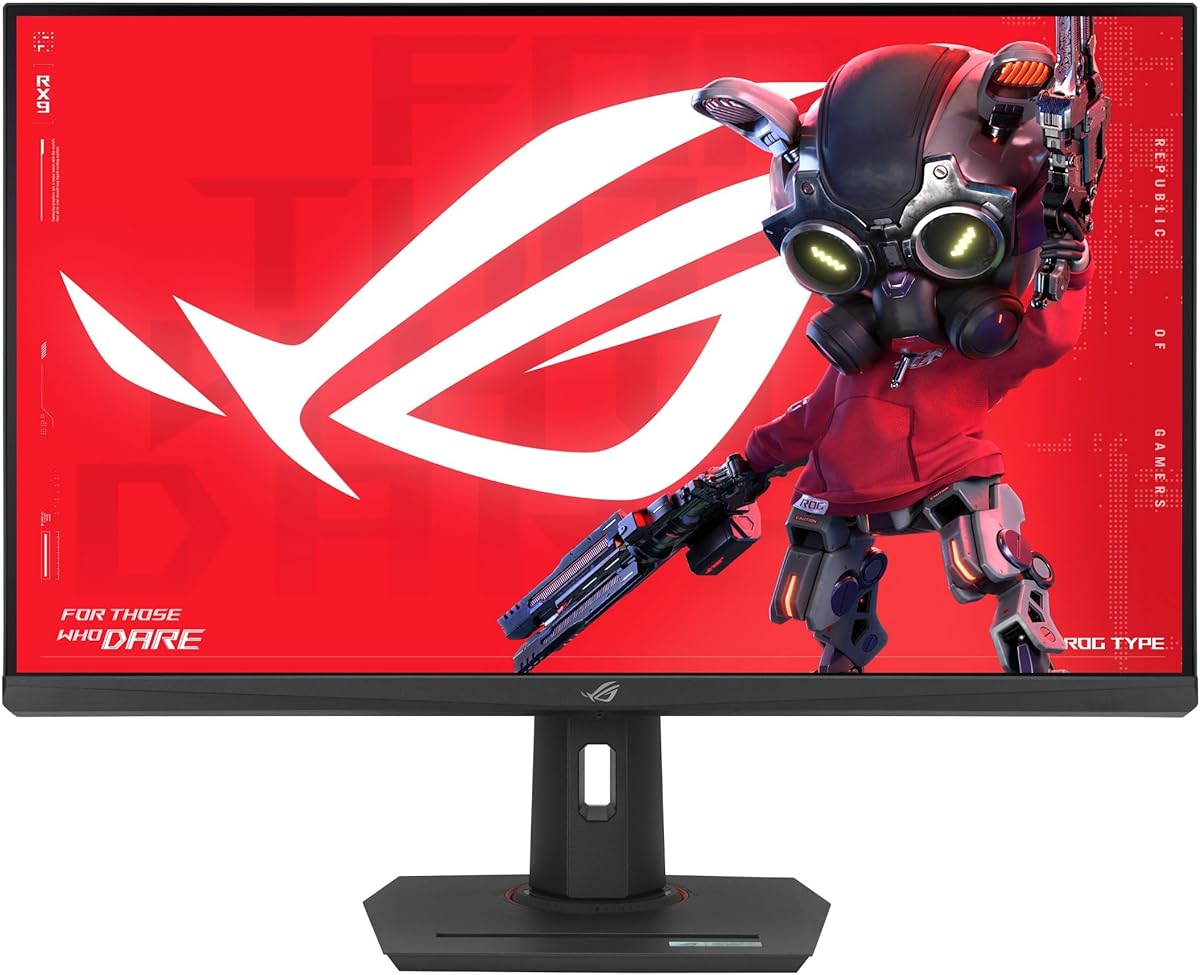
The ASUS ROG XG27ACS delivers high-performance gaming features at an accessible price point. Rated 4.4 stars, it offers 180Hz refresh rates and 1ms response times for competitive edge.
We may earn a commission when you buy through this link, at no additional cost to you.
Its ASUS Fast IPS technology ensures sharp visuals. USB-C support allows video and data transmission through one cable. ELMB SYNC eliminates ghosting while maintaining variable refresh rates.
While it lacks 4K resolution, the smooth motion handling makes it ideal for fast-paced gaming. The included Adobe Creative Cloud adds value for content creators.
Gamers and creatives seeking smooth performance without breaking the bank should consider this versatile display.
180Hz refresh rate ensures fluid motion during intense gameplay sessions.
USB-C hub simplifies cable management by supporting video and data simultaneously.
We may earn a commission when you buy through this link, at no additional cost to you.
The LG 27UP850K-W is a solid choice for creators needing accurate colors and strong connectivity. Rated 4.5 stars, it covers 95% of DCI-P3 for vibrant imagery.
We may earn a commission when you buy through this link, at no additional cost to you.
Its USB-C port delivers up to 90W power to laptops. WebOS allows streaming apps directly. Stereo speakers enhance multimedia experiences.
While HDR is standard, the color performance is its main strength. Ergonomic adjustments make it comfortable for long hours.
Designers and office workers prioritizing color fidelity and single-cable setups will find this monitor reliable.
Covers 95% DCI-P3 color gamut for professional-grade color accuracy.
USB-C provides data and charging to reduce cable clutter on desks.
We may earn a commission when you buy through this link, at no additional cost to you.
The LG 27U730SA-W reimagines the monitor as a standalone smart hub. Rated 4.1 stars, it runs webOS for direct app access without a PC.
We may earn a commission when you buy through this link, at no additional cost to you.
Brightness Control adjusts screen light automatically. Remote PC lets you access home office apps from anywhere. USB-C supports up to 65W charging.
It offers convenience for remote workers. The included remote simplifies navigation, making it user-friendly.
Ideal for hybrid workers wanting a secondary screen that functions independently of a desktop computer.
Brightness Control detects ambient light to adjust screen settings automatically.
Remote PC feature allows access to home office services without a physical PC.
We may earn a commission when you buy through this link, at no additional cost to you.
The Samsung 32 M8 combines entertainment and productivity with AI upscaling for crisp streaming. Rated 4.3 stars, it turns lower resolution content into near 4K quality.
We may earn a commission when you buy through this link, at no additional cost to you.
It includes a SlimFit camera for video calls. SolarCell remote eliminates battery waste. Gaming Hub offers console-free play.
While the camera adds weight, the AI features enhance media quality significantly. It's versatile for living room setups.
Choose this for a stylish screen that doubles as a streaming device and work display.
Turns standard definition content into near 4K clarity using NQM AI Processor.
SolarCell Remote charges via ambient light to reduce disposable battery use.
We may earn a commission when you buy through this link, at no additional cost to you.
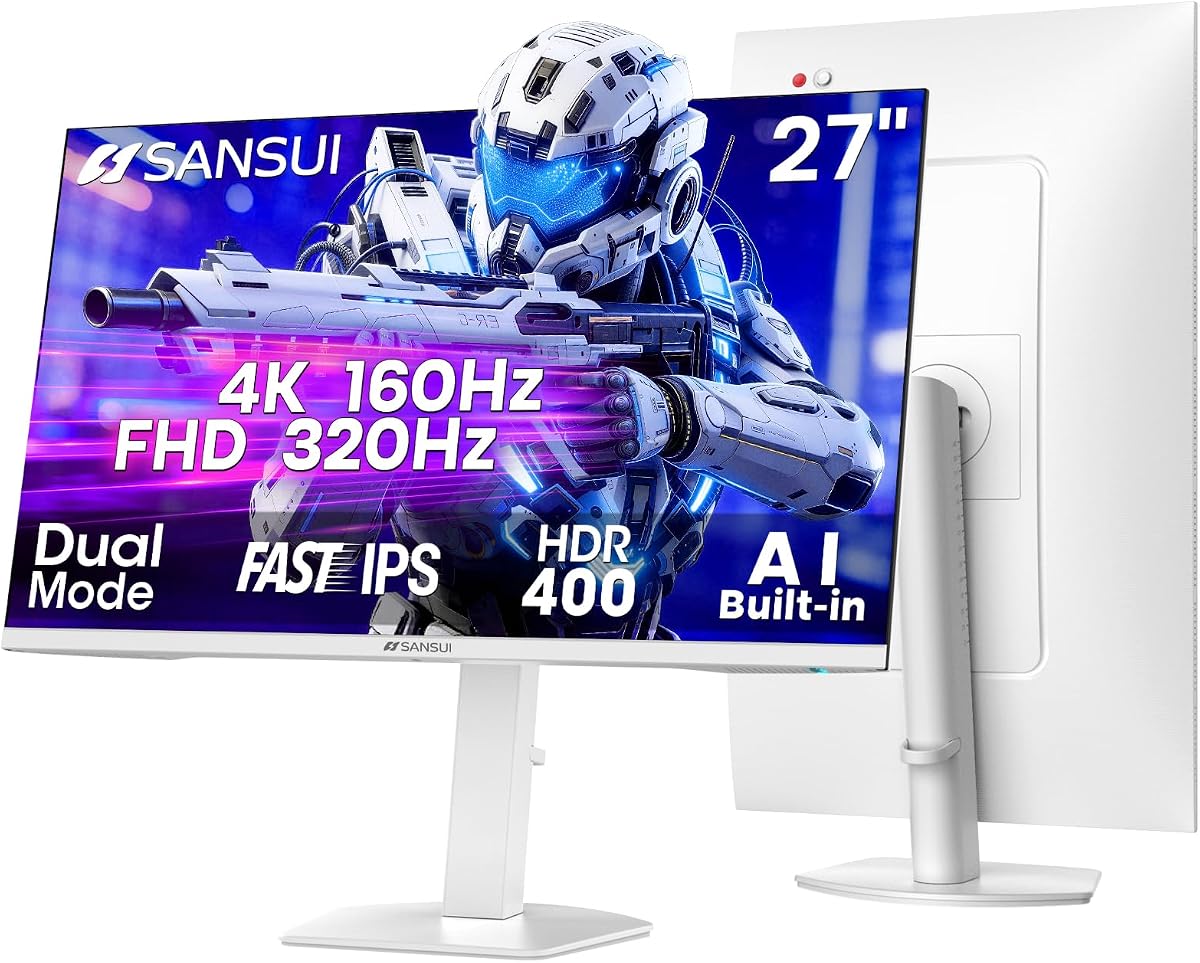
The SANSUI 27 4K Gaming Monitor offers dual mode switching for different gaming needs. Rated 4.4 stars, it supports 4K at 160Hz or 1080p at 320Hz.
We may earn a commission when you buy through this link, at no additional cost to you.
AI Crosshair helps shooters aim. Fast IPS ensures quick response. The stand supports pivot and height adjustments.
Menu complexity is a trade-off for the flexibility. Budget gamers get high refresh rates here.
Perfect for gamers who want high speeds on a budget without compromising on panel quality.
Dual mode allows switching between high resolution and high speed easily.
AI Crosshair provides aiming assistance for competitive FPS titles.
We may earn a commission when you buy through this link, at no additional cost to you.
The ASUS ROG XG32UCG is a top-tier gaming display with 4K resolution and high refresh rates. Rated 4.6 stars, it delivers smooth visuals with minimal motion blur.
We may earn a commission when you buy through this link, at no additional cost to you.
Dual mode supports 4K or FHD speeds. AI Enhanced Gaming improves gameplay experiences. 0.3ms response time keeps interactions sharp.
Price is high, but performance is unmatched. Ideal for serious gamers with high-end PCs.
Invest here for a premium experience with cutting-edge gaming technologies.
Minimum 0.3ms response time minimizes blur in fast-moving scenes.
AI Enhanced Gaming optimizes visuals and settings for better performance.
We may earn a commission when you buy through this link, at no additional cost to you.
The Dell 27 S2725QS provides 4K visuals for professional work without high cost. Rated 4.4 stars, it features IPS panel for consistent colors.
We may earn a commission when you buy through this link, at no additional cost to you.
ComfortView Plus reduces blue light. 120Hz refresh rate ensures smooth motion. Design is modern and minimalist.
Lack of USB-C limits laptop users. Audio quality is better than expected.
Solid choice for general office use or casual gaming requiring good visuals.
Reduces harmful blue light to protect eyes during long work hours.
IPS panel ensures vibrant colors and stable viewing angles.
We may earn a commission when you buy through this link, at no additional cost to you.
The SANSUI 34 Curved UWQHD offers an immersive ultrawide experience for productivity. Rated 4.4 stars, it features a 200Hz refresh rate for speed.
We may earn a commission when you buy through this link, at no additional cost to you.
AI Blue light reduction helps eye health. Curved screen enhances focus. Affordable pricing for wide aspect ratio.
Lack of speakers requires external setup. VA panel has higher contrast than IPS.
Choose this for expansive workspace needs on a strict budget.
Curved screen enhances peripheral vision and immersion during tasks.
200Hz refresh rate provides ultra-smooth motion for competitive play.
We may earn a commission when you buy through this link, at no additional cost to you.
Selecting an AI Ready Monitor involves evaluating several key factors to match your workflow and budget. We explore the essential specs and features that define a truly intelligent display.
Resolution impacts clarity. 4K is standard for crisp text and media. Panel types like IPS offer wider viewing angles while VA provides deeper contrast.
Choose 4K for professional work or media consumption.
Look for monitors with built-in AI tools like Picture Optimizers or Voice Amplifiers. These adjust visuals and audio automatically based on content type or environment.
Prioritize AI features if you want smart automation without software installation.
Gamers need high refresh rates and fast response times. Aim for 144Hz or higher with sub-1ms response. Smooth motion eliminates blur.
Select high refresh rates for gaming to ensure responsiveness.
Modern monitors should support USB-C with power delivery. HDMI 2.1 and DisplayPort allow high-bandwidth connections. KVM switches simplify multi-device setups.
Ensure USB-C PD is available for single-cable laptop connectivity.
Adjustable stands for height and tilt reduce strain during long sessions. Bezel size affects multitasking efficiency. Aesthetic fit matters for your desk.
Choose adjustable stands for comfort during extended usage.
Monitors with OS platforms like WebOS or Tizen let you stream content directly. This reduces clutter by eliminating extra dongles.
Smart OS support is useful if you want a secondary entertainment screen.
Designers need wide color coverage. Look for 95% DCI-P3 or sRGB coverage. Factory calibration ensures out-of-box accuracy.
Check color gamut percentages if you do creative work.
Built-in speakers add convenience but often lack power. Active Voice Amplifier helps dialogue clarity. External audio may still be needed for immersion.
Verify audio features if you want an all-in-one setup.
Install drivers and companion software to unlock full AI features like picture optimization and voice control. These tools communicate directly with the monitor's internal processor.
Clean the screen regularly using a microfiber cloth. Avoid harsh chemicals that can damage anti-glare coatings. Keep dust from entering ports to ensure longevity.
Adjust brightness settings to match ambient light levels. Use night mode features to reduce blue light exposure during evening hours for better eye health.
AI Ready monitors include onboard processors or software that use artificial intelligence to adjust picture settings, filter background noise, or optimize visuals. This automation improves viewing comfort without manual input.
No, most AI features are self-contained within the monitor's firmware or OS. However, advanced smart apps may require an internet connection to function correctly.
Yes, if you prioritize text clarity and media immersion. The combination of high resolution and smart processing ensures content looks sharp and optimized.
Many models run platforms like WebOS or Tizen, allowing direct streaming. They reduce cable clutter by acting as a standalone entertainment hub.
Yes, features like ComfortView Plus and AI Blue Light reduction lower harmful emissions. Automatic brightness adjustments also help adapt to lighting changes.
For general use, 60Hz or 75Hz is sufficient. Gamers should look for 120Hz or higher to experience smooth motion and reduce lag.
We reviewed ten top AI Ready Monitors, highlighting options for gamers, creatives, and general office workers. The Samsung 32 Smart Monitor M7 leads with its versatile AI capabilities.
Prioritize features that match your primary tasks. If you stream often, choose smart OS models. For gaming, focus on refresh rates and response times.
Prices and availability fluctuate regularly. Always check current listings before purchasing to ensure you secure the best value for your investment.