
Square Reader for magstripe (USB-C)
4.6Editor score
Accepts magnetic stripe cards
Free POS app included
Works with Apple devices
This guide compares the top 10 credit card readers for phones to help you choose the best mobile payment solution for your business needs and budget today.
Mobile payment solutions have transformed how businesses accept transactions on the go. Choosing the right credit card reader for your phone ensures smooth operations and happy customers.
We evaluated ten top-rated devices based on connectivity, security features, and compatibility. Our analysis highlights models that offer reliability for various business sizes and industries.
Each pick showcases key strengths and potential limitations to help you decide. Note that availability and features may change, so verify details before purchasing your device.
4.6Editor score

4.5Editor score

5.0Editor score
This side-by-side comparison outlines the core specifications and capabilities of each device to help you find the ideal match for your specific transaction requirements.




This reader offers a straightforward way to accept payments using magnetic stripe cards. It has a high rating and works with the free Square Point of Sale app.
We may earn a commission when you buy through this link, at no additional cost to you.
Users appreciate the quick setup and ability to get paid the next business day. It is ideal for small businesses just starting to accept card payments.
While it lacks chip or contactless support, the low cost makes it accessible. Many find it sufficient for low-volume transactions where speed is less critical.
If you need a basic, low-cost solution for phone payments, this is a strong starting point. Ensure your device has a USB-C port for compatibility.
You can download the app, create an account, and start taking payments anywhere without long-term commitments.
Track sales, manage inventory, and send receipts digitally all from one place with the free app.
We may earn a commission when you buy through this link, at no additional cost to you.
This device accepts contactless payments, chip cards, Apple Pay, and Google Pay from anywhere. It stands out with improved connectivity and enhanced security features.
We may earn a commission when you buy through this link, at no additional cost to you.
Users benefit from offline payment capabilities, allowing transactions for up to 24 hours without internet. It charges one low rate for every tap or dip.
Although it is more expensive than basic readers, the versatility and security justify the price. It is a reliable choice for businesses needing flexible payment options.
Consider this if you want a secure and versatile reader that adapts to modern payment habits. It pairs securely with your device for smooth operations.
Keep taking payments for up to 24 hours even when internet access is temporarily unavailable.
Get data security, 24/7 fraud prevention, and payment dispute management at no extra cost.
We may earn a commission when you buy through this link, at no additional cost to you.
This reader supports CAC, PIV, and credit/debit cards with both contact and contactless modes. It is ideal for government and military users needing secure authentication.
We may earn a commission when you buy through this link, at no additional cost to you.
It works on Windows, Mac, Linux, and Android without drivers. The reinforced cable and compact body make it perfect for travel and field verification.
While it has broad support, note that third-party decoding software is not included. Ensure you have the necessary middleware for specific card types.
Choose this if you need a reliable tool for identity verification alongside standard payments. It offers a versatile solution for secure data reading.
Works on Windows, Mac OS, Linux and Android devices without needing extra drivers for immediate use.
Certified to meet PC/SC 2.0 and EMV standards for high-security military and government authentication.
We may earn a commission when you buy through this link, at no additional cost to you.
This device offers end-to-end security and allows custom tax rates and tips for your business needs. It connects wirelessly via Bluetooth to any smart phone.
We may earn a commission when you buy through this link, at no additional cost to you.
It supports email or text receipts, making transactions paperless and convenient. Employee permissions ensure only authorized staff access sensitive business data.
Note that it requires processing through SwyftPAY and is for US-based businesses only. Despite this requirement, users praise its reliability and feature set.
Invest in this if you need a premium POS system with strong security and flexibility. Ensure your business meets the processing requirements before buying.
Pairs with your mobile device through a Bluetooth connection making it fully compatible with any smart phone.
Create and manage multiple employee permissions easily so only certain staff see what is under the hood.
We may earn a commission when you buy through this link, at no additional cost to you.
This unit rings up sales, accepts payments, and prints receipts all in one device. It is ideal for counters or store environments needing a robust solution.
We may earn a commission when you buy through this link, at no additional cost to you.
It processes chip cards in just two seconds and supports cordless use with a battery designed to last all day. Get your money as soon as the next business day.
While it costs more than simple readers, it simplifies operations by removing the need for a separate printer. This efficiency can save time during busy periods.
Consider this if you need a standalone terminal that handles everything. It is built to work at the counter or anywhere in your store.
Ring up sales, accept payments, and print receipts all with one device to streamline your checkout process.
Process chip cards in just two seconds ensuring quick service for your customers every time.
We may earn a commission when you buy through this link, at no additional cost to you.
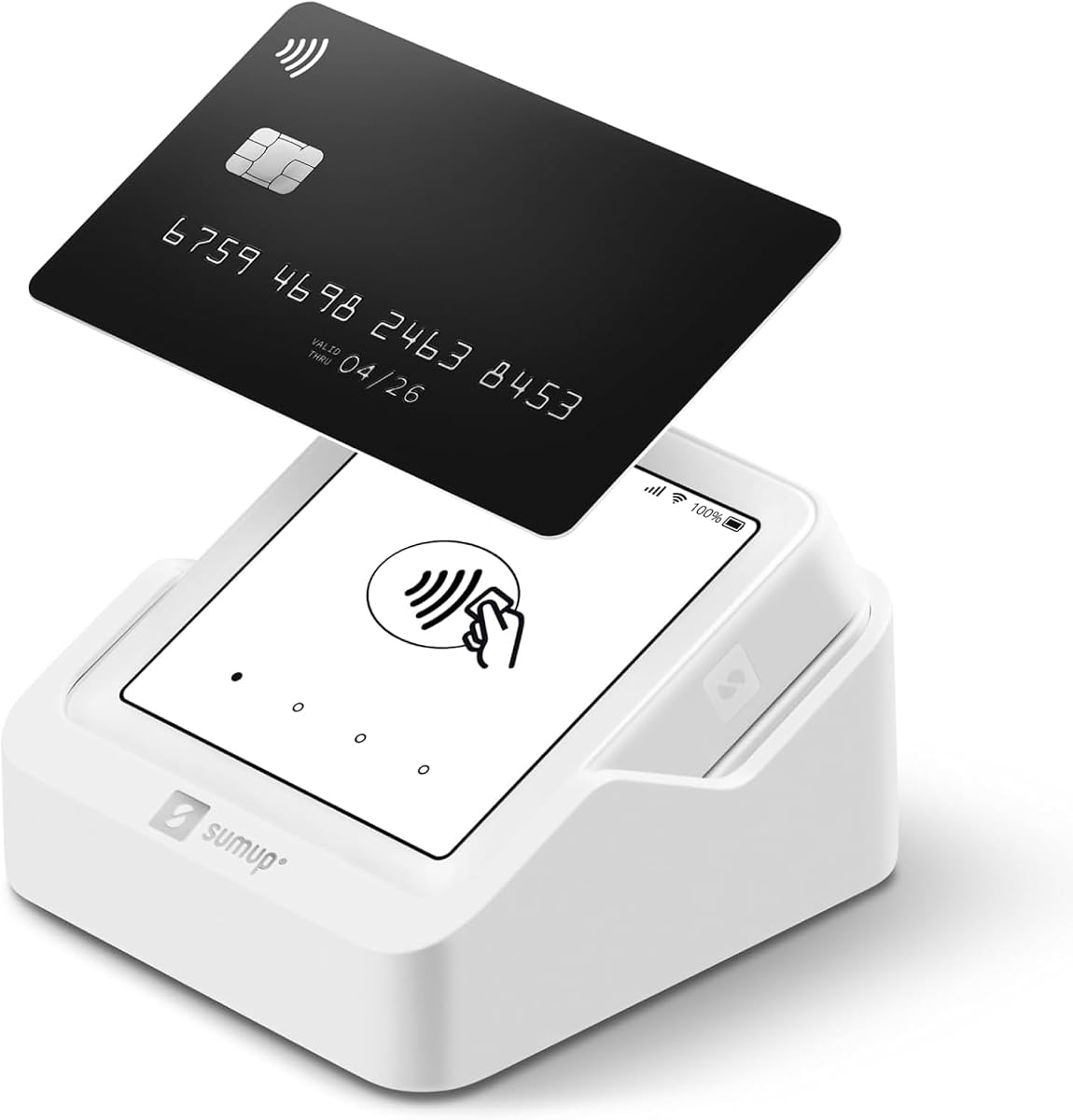
This reader accepts all major credit and debit cards with no hidden fees or contracts. It is a mobile option to accept payments anywhere and anytime.
We may earn a commission when you buy through this link, at no additional cost to you.
You can use the free SumUp App on your smartphone or tablet to start accepting transactions. It simplifies in-person transactions with a simple fee structure.
While it offers basic functionality, the user rating is lower than competitors. This may indicate occasional connectivity or support issues compared to premium models.
Use this if you need a simple, no-commitment way to take payments on the go. Verify current features match your expectations before purchasing.
No hidden fees and no long-term contracts give you flexibility to pay as you go.
Simply pay a flat rate per in-person transaction without complex pricing tiers.
We may earn a commission when you buy through this link, at no additional cost to you.
This device features a full touch-screen interface for managing sales and accepting payments easily. It includes a free SIM card and mobile data for connectivity.
We may earn a commission when you buy through this link, at no additional cost to you.
It has strong battery capability with an additional charging station to ensure uptime. Support is available via phone, email, and chat from US-based staff.
Despite its features, user ratings suggest some issues with reliability or connectivity. Ensure you are comfortable with these limitations before investing.
It is a self-contained unit suitable for mobile operations needing internet independence. Check current reviews to confirm performance standards.
Strong reliable Wi-Fi connection with free SIM card and mobile data so you can process payments anywhere.
Stay in control of your business wherever you go with a truly portable device.
We may earn a commission when you buy through this link, at no additional cost to you.
This model offers similar benefits to the 3rd gen with wireless Bluetooth connectivity and strong security. It allows customizable tax rates and tip amounts.
We may earn a commission when you buy through this link, at no additional cost to you.
You can email or text receipts and manage employee permissions to control access. It is designed for US-based businesses requiring specific processing partners.
User satisfaction ratings suggest potential improvements are needed compared to other Clover models. Review the latest features to see if they meet your needs.
Choose this if you prefer the Clover ecosystem but want the newest model. Confirm processing requirements align with your business location.
Create and manage multiple employee permissions easily so only certain employees need to see what is under the hood.
Customers want it their way right down to the receipt with email or text options.
We may earn a commission when you buy through this link, at no additional cost to you.
This reader is EMV/Chip ready and works with iOS and Android devices. It is designed for businesses that do not require a separate merchant account.
We may earn a commission when you buy through this link, at no additional cost to you.
However, quantities of this version are limited and it may be end of life. Orders may be fulfilled with the most current version of Clover Go.
While it offers basic payment functionality, the availability issues might delay delivery. Ensure the product matches your specific device and account needs.
Consider this if you find stock available and need a simple contactless reader. Check if you are comfortable with the current inventory status.
Process payments without needing a traditional merchant account which simplifies setup.
Works with iOS and Android to cover most common mobile devices.
We may earn a commission when you buy through this link, at no additional cost to you.
This device offers end-to-end security and customizable tax and tips. It works with any Clover Go account for flexible business use.
We may earn a commission when you buy through this link, at no additional cost to you.
Bluetooth connectivity ensures you can process payments on the go. It is designed for businesses needing reliable mobile transactions without fixed hardware.
User ratings suggest there may be better options depending on your needs. Confirm you are satisfied with the current features before buying.
Select this if you already have a Clover Go account and need Bluetooth support. Ensure it matches your current payment flow.
From the moment a card is accepted to the end of the transaction process your data is protected.
Set custom percentage amounts for tips and create multiple tax rates for the things you sell.
We may earn a commission when you buy through this link, at no additional cost to you.
Selecting the right reader involves checking compatibility, security, and fees. Here are key factors to consider.
Devices connect via Bluetooth, USB, or wireless internet. Choose what fits your phone and environment.
Check your phone's ports and decide on wired or wireless based on convenience.
Some readers only take magnetic stripes. Others support chips, contactless, and mobile wallets.
Ensure the reader accepts the payment methods your customers use most.
End-to-end encryption and fraud prevention are essential for safety. Look for EMV certification.
Security protects both your business and customer data from breaches.
Readers vary from free to expensive. Transaction fees also differ by provider.
Calculate total costs including device and per-transaction fees.
Most readers need a specific POS app. Ensure it supports your operating system.
Choose a device that works seamlessly with your existing apps.
For mobile use, long battery life is key. Some units need charging stations.
Pick a reader that lasts your busiest shifts without recharging.
Settlement times range from next day to weeks. Faster funding helps cash flow.
Check processing times before committing to a provider.
Some devices allow offline transactions. This is useful in remote areas.
Look for offline modes if internet is unreliable.
Connect your reader to your phone using the supported method like Bluetooth or USB. Open the POS app and log in.
Swipe, tap, or insert cards as directed. Send receipts via email or text if you like.
Keep the reader clean and dry. Charge batteries regularly and store in a safe place.
Most readers support both platforms but check the specific requirements. Some use Bluetooth which works with both. Others need specific connectors.
Many devices come with built-in processing so no separate account is needed. Some providers handle everything. Check the product details.
Settlement times vary by provider. Some offer next business day funding. Others take several days. Confirm before buying.
Some readers have offline modes allowing temporary transactions. Others need internet. Check for offline support if needed.
Many options have no monthly fees and charge per transaction. Some have plans. Read the terms carefully before deciding.
Not all do. Many modern ones support tap and mobile wallets. Verify the features list for contactless support.
Top models use encryption and fraud tools. They are designed to be safe. Choose reputable brands for best security.
Our top picks offer reliability and key features for mobile payments. They balance cost, support, and ease of use for most.
Prioritize security and compatibility with your devices. Also consider fees and funding speed for your business model.
Always verify current availability and specs before ordering. Check for any changes to ensure you get the right device.