
ELM327 USB Adapter OBD2 Scanner for Windows
4.4Editor score
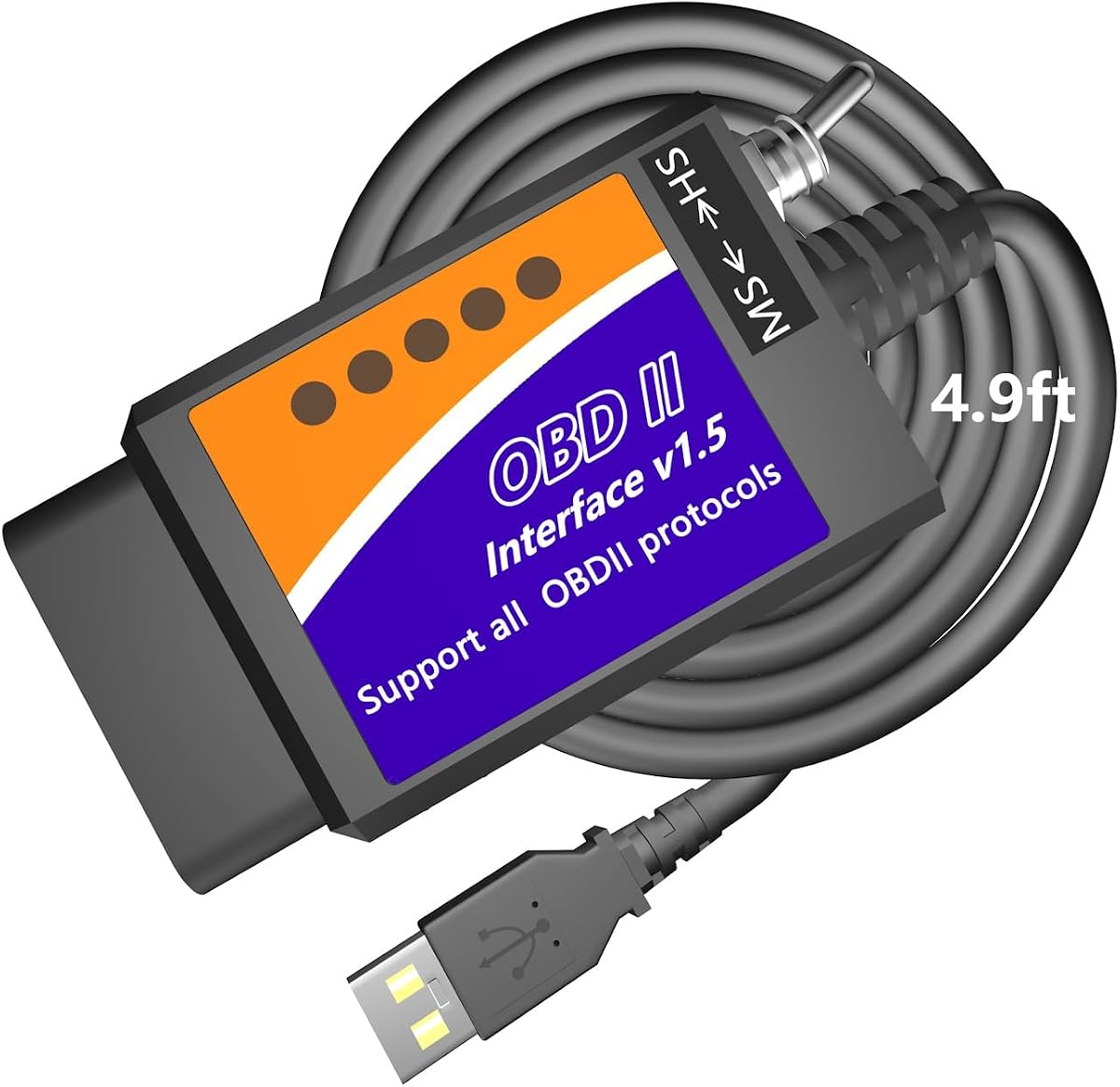
Manual MS-CAN and HS-CAN switch
Compatible with Windows systems
Affordable diagnostic option
Compare the top 10 Forscan USB OBD2 Adapters for Ford Lincoln Mazda vehicles including stability speed compatibility and hidden feature access.
Finding the right Forscan USB OBD2 adapter is essential for anyone serious about automotive diagnostics. These tools connect your vehicle to powerful software enabling detailed insights into performance and hidden features.
We evaluated ten top rated adapters based on reliability speed and compatibility with critical systems. Each product was chosen for its ability to support deep diagnostics and advanced module programming needs.
Every pick below highlights unique strengths such as connection stability and software optimization. Remember that availability and terms may change so verify details before purchasing any specific model.
4.4Editor score

4.7Editor score

4.7Editor score
This comparison table presents key specifications for all ten selected adapters to help you quickly identify the best match for your vehicle and diagnostic software needs.




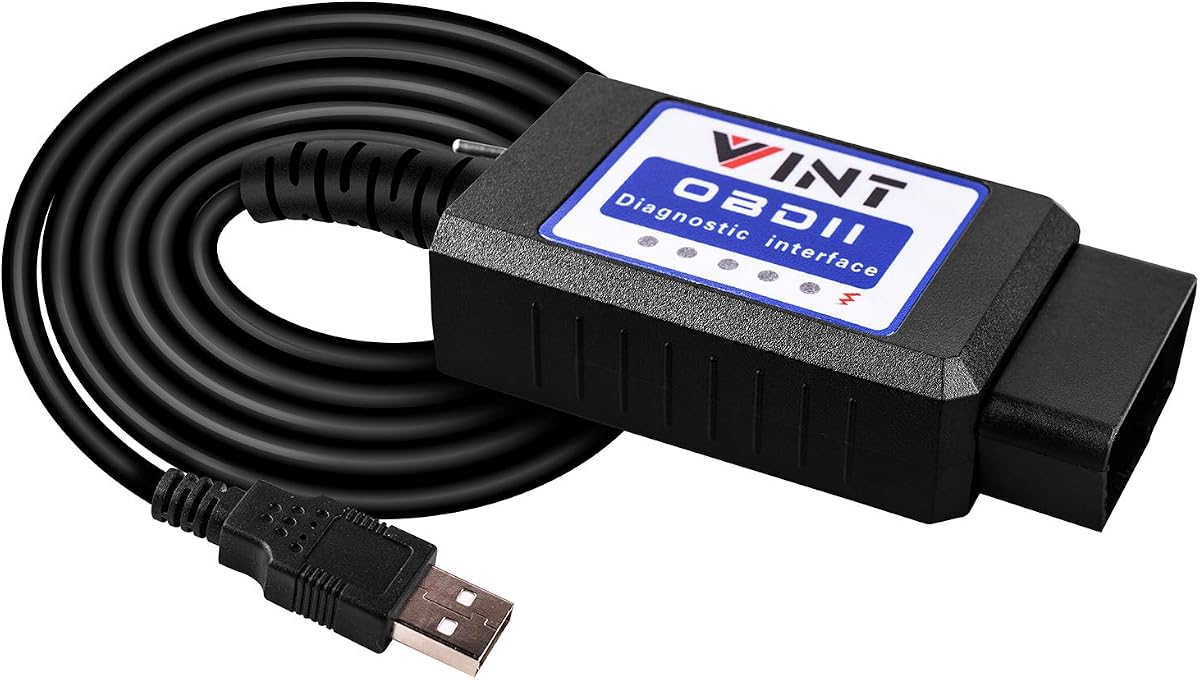
The Vgate vLinker FS USB adapter stands out as the top choice for serious diagnostic work. It carries a strong 4.7 rating and is explicitly optimized for FORScan software.
We may earn a commission when you buy through this link, at no additional cost to you.
Its intelligent CAN bus access automatically identifies and connects to supported networks without manual intervention. This ensures reliable performance during extended diagnostics and ECU programming tasks with no lag.
Users should note that diagnostic software is not included and must be installed separately. Additionally compatibility may vary depending on vehicle year region and configuration.
This adapter is ideal for professionals and enthusiasts who need stability and advanced features without the premium price of dealer tools. It is a highly recommended investment for Ford Lincoln and Mazda owners.
Designed specifically for FORScan this adapter delivers reliable performance during extended diagnostics with no crashes or drops.
It automatically identifies and connects to HS-CAN and MS-CAN buses ensuring seamless multi-module access for complex diagnostics.
We may earn a commission when you buy through this link, at no additional cost to you.
The OBDLink EX is a premium option recommended by the FORScan team for its custom design and dealership-level capabilities. It delivers the maximum throughput and rock-solid connections.
We may earn a commission when you buy through this link, at no additional cost to you.
Its electronic switch allows FORScan to access all CAN buses simultaneously enabling advanced functions not possible with toggle switch adapters. This is critical for deep diagnostics.
The premium price may be a barrier for budget-conscious users but the performance justifies the cost for professionals. It is built to avoid data corruption and dropped packets entirely.
This adapter is best suited for users who need the highest reliability and speed for complex programming tasks. It remains a top-tier choice for those prioritizing performance above all else.
It supports all Ford protocols modules and advanced features allowing users to access capabilities typically reserved for dealer tools.
An electronic switch enables simultaneous access to all CAN buses which unlocks advanced functions impossible with manual toggle adapters.
We may earn a commission when you buy through this link, at no additional cost to you.
This OHP adapter offers a solid balance of features and affordability for Ford owners. It connects to a wide range of models and provides detailed fault descriptions to help with troubleshooting.
We may earn a commission when you buy through this link, at no additional cost to you.
Its compatibility extends back to Windows XP making it a versatile tool for users with older systems. The device reads interprets and clears codes across engine transmission and ABS systems.
The main limitation is the maximum bus speed of 500 kbit/s which may be slower than premium adapters. It also does not support macOS or mobile devices without Windows emulation.
This tool is ideal for DIYers who want reliable diagnostics without investing in high-end equipment. It empowers users to troubleshoot confidently and perform basic maintenance independently.
Each code includes a fault description to help identify root causes enabling confident troubleshooting without professional help.
It works with FORScan and other ELM327 applications supporting a broad range of operating systems from XP to Windows 10.
We may earn a commission when you buy through this link, at no additional cost to you.
This VGATE adapter offers high performance with a 3 Mbps transmission rate and robust battery saver technology. It is designed for seamless configuration and programming tasks.
We may earn a commission when you buy through this link, at no additional cost to you.
The auto-switching feature allows FORScan to access all CAN buses at the same time without manual intervention. It also supports FEPS 18V programming voltage output for specific programming needs.
Users should note that applications are not included and require separate download or purchase. Setup may vary depending on vehicle and tool configuration requiring careful attention.
This adapter is a great choice for those needing speed and reliable programming support. The lifetime firmware updates and tech support add significant value to the purchase.
Automatic sleep and wake up mode protect the vehicle battery from drain when the adapter is left plugged in.
It delivers up to 18V output for ECU programming and flashing on select vehicles enabling complex modifications.
We may earn a commission when you buy through this link, at no additional cost to you.
This ELM327 USB adapter is the top budget pick offering professional-grade diagnostics at an accessible price. It features MS CAN and HS CAN toggle switches for manual control.
We may earn a commission when you buy through this link, at no additional cost to you.
It leverages reliable USB connections to deliver stability exceeding wireless options enabling effective troubleshooting and code clearing. The device supports a vast majority of Ford Lincoln Mazda and Mercury models.
Users must install drivers and software separately which requires some technical setup knowledge. Manual switching between buses can be cumbersome compared to auto-switching models.
This adapter is perfect for cost-conscious users who need basic to advanced diagnostics. It enables access to hidden features and global windows without a high investment.
Unlock global window functions Bambi mode security idle and more to customize your vehicle beyond standard settings.
The USB connection provides far exceeding stability compared to wireless options reducing data loss and dropped packets.
We may earn a commission when you buy through this link, at no additional cost to you.
This adapter is designed specifically to support Ford F150 and F250 models along with other Ford brands. It includes an MS-CAN and HS-CAN switch for accessing deep modules.
We may earn a commission when you buy through this link, at no additional cost to you.
It allows users to enable features like Bambi Mod and reverse tilt mirrors easily. The device supports all Windows versions making it accessible for most PC users.
With a lower user rating some reports of connectivity issues may exist. Proper driver installation is critical for success.
This tool is suitable for owners seeking basic to intermediate diagnostics without breaking the bank. It offers value for those focused on feature programming and routine maintenance.
Access features like Bambi Mod reverse tilt mirrors and tire size correction to enhance driving comfort and utility.
Supports all Windows versions from XP to 10 allowing use on older or newer operating systems without issues.
We may earn a commission when you buy through this link, at no additional cost to you.
This MOCATEC adapter features an extra-long 4.9ft cable providing working comfort when using a laptop in the vehicle. It supports live sensor monitoring and fault code reading.
We may earn a commission when you buy through this link, at no additional cost to you.
It enables access to hidden factory configurations like custom daytime running lights and OEM trailer brake controllers. The long cable reduces strain and allows flexible positioning during diagnostics.
The device is strictly for Windows systems and does not support macOS or mobile devices without emulation. Users should ensure their OS is compatible before purchasing.
This adapter is perfect for users needing physical comfort during extended sessions. It offers reliable diagnostics and feature access with a practical design for daily use.
A 4.9ft cable allows you to rest your laptop on your knees without feeling cramped during diagnostics sessions.
Unlock custom configurations like daytime running lights and OEM trailer brake controllers to personalize your driving experience.
We may earn a commission when you buy through this link, at no additional cost to you.
This adapter uses an FTDI chip to ensure reliable data connections and avoid corruption. It supports all Ford F150 and F250 models with a 500 kbit/s speed.
We may earn a commission when you buy through this link, at no additional cost to you.
Users can access hidden settings like mirror auto-fold and brake controller programming easily. It provides a practical tool for DIY enthusiasts seeking basic coding capabilities.
Manual switching between buses is required which may slow down some complex diagnostic workflows. The speed may also be slower than premium auto-switching models.
This is a good choice for budget-conscious users wanting stable connectivity. It delivers solid value for routine diagnostics and feature customization tasks.
The FTDI chip ensures strong hardware performance reducing data corruption and dropped packets during use.
Access features like mirror auto-fold and brake controller programming to tailor vehicle behavior to your preferences.
We may earn a commission when you buy through this link, at no additional cost to you.
This Vgate adapter carries a 4.8 rating and is recommended by the FORS-can team. It features automatic electronic switching to access all CAN buses simultaneously.
We may earn a commission when you buy through this link, at no additional cost to you.
It delivers 3 Mbps transmission speed and supports 18V programming voltage output for complex tasks. The connection remains rock-solid preventing data corruption during diagnostics.
Users should note that apps are not included and must be downloaded separately. Compatibility may vary slightly depending on vehicle configuration and software version.
This tool is ideal for those seeking top-tier reliability and automation. Its high rating reflects consistent performance and user satisfaction across diverse vehicle models.
Allow access to all CAN buses at the same time automatically simplifying advanced diagnostics and module access.
Reach 3 Mbps transmission rate ensuring smoother graphics and real-time meters during live streaming sessions.
We may earn a commission when you buy through this link, at no additional cost to you.
This adapter is favored by Ford owners for its compatibility with F150 and F250 trucks. It allows access to as-built data and hidden module configurations.
We may earn a commission when you buy through this link, at no additional cost to you.
It supports global window features and Bambi Mod enabling deep customization of vehicle settings. The 500kbit/s speed offers reliable performance for most diagnostic tasks.
Manual switching between CAN buses is required which may limit speed for advanced users. It also lacks support for non-Windows operating systems.
This tool is an excellent choice for budget-focused truck owners needing basic to advanced diagnostics. It balances performance with cost effectively for everyday use.
Access and configure as-built data to modify vehicle settings that are not exposed through standard interfaces.
Unlock features like reverse tilt mirrors and tire size correction to customize vehicle behavior to your liking.
We may earn a commission when you buy through this link, at no additional cost to you.
Selecting the right adapter involves evaluating key factors such as connectivity speed compatibility and software support to ensure it meets your diagnostic needs effectively.
Ensure the adapter works seamlessly with FORScan or other intended applications. Some tools are specifically optimized for FORScan delivering better stability and advanced features.
Check if additional drivers or licenses are required for specific functions to avoid unexpected limitations after purchase.
Auto-switching adapters offer convenience by identifying and connecting to HS-CAN and MS-CAN buses automatically. Manual toggle adapters require user intervention which can slow down complex diagnostics.
Choose auto-switching if you frequently perform deep diagnostics or work with multiple modules for smoother workflow.
USB adapters generally provide more reliable connections than wireless options reducing dropped packets and data corruption. Look for products with proven stability records and high ratings.
Stable connections are critical during extended sessions or when performing ECU programming to prevent data loss.
Higher speeds enable faster code retrieval and smoother live data streaming. Premium adapters may support speeds up to 3 Mbps while budget options are often limited to 500 kbit/s.
Consider your typical use cases whether you need high-speed streaming or basic code clearing to select appropriate performance.
Verify that the adapter supports your specific vehicle make model and year. Compatibility can vary significantly especially for newer models or those with unique protocols.
Check detailed specifications to ensure support for necessary systems including engine transmission and safety modules.
Most adapters are designed for Windows systems only. If you use macOS or mobile devices verify compatibility or plan for virtualization solutions.
Ensure your system meets software requirements before purchasing to avoid connectivity or installation issues.
Look for adapters with sleep modes or low power consumption features. This prevents drain on your vehicle battery when the adapter is left connected.
Battery saver technologies ensure your vehicle remains operational when not performing diagnostics especially during long-term parking.
Reliable customer support and warranty coverage provide peace of mind when using diagnostic tools. Check for lifetime firmware updates and accessible tech assistance.
A strong warranty ensures you can resolve hardware or connectivity issues without additional costs.
Begin by installing the required USB drivers and diagnostic software on your Windows computer. Connect the adapter to the OBD2 port located under the dashboard near the steering wheel.
Turn the ignition to the on position without starting the engine to allow the adapter to power up. Launch your diagnostic software and select the adapter from the list of available devices.
After using the adapter disconnect it from the OBD2 port and store it in a dry safe place to avoid physical damage or electrical issues.
No FORScan software is not included and must be downloaded separately. The adapter functions as hardware that enables communication between your computer and vehicle.
Most adapters are designed for Windows systems only. Mac or mobile users typically need to run a full Windows environment or virtual machine to use the software.
HS-CAN and MS-CAN refer to different communication buses in modern vehicles. Accessing both is often required for complete diagnostics and feature customization.
Auto-switching adapters handle this automatically. Manual adapters require flipping a physical toggle switch on the device to connect to different CAN buses.
Compatibility depends on your specific vehicle year make and model. Always verify supported vehicles in the product specifications before purchasing to ensure proper function.
Some adapters have sleep modes to prevent drain. Others may draw power continuously so disconnecting after use is recommended to avoid draining the battery.
Common causes include missing USB drivers incorrect COM port settings or incompatible software. Verify driver installation and adjust settings in Device Manager.
Many adapters receive firmware updates from manufacturers. Check the product website or support pages for available updates to ensure optimal performance and compatibility.
Choosing the right Forscan USB OBD2 adapter depends on your specific needs for speed stability and vehicle compatibility. Top picks like the Vgate vLinker FS and OBDLink EX offer excellent features for serious users.
Prioritize auto-switching capabilities and battery protection if you perform advanced diagnostics regularly. Budget options provide reliable basic diagnostics but may require manual switching and software setup.
Always check current availability and user reviews before purchasing to ensure you select the best model for your vehicle. Prices and terms may change so verify details on the retailer site.