
Seagate 1TB Mobile HDD
4.4Editor score
Compact 2.5 inch form factor
Lightweight design for portability
Standard SATA 6Gb/s interface
Finding the right storage solution is crucial for maintaining a seamless security experience with your Eufy Homebase 3 system. The right hard drive ensures continuous recording and quick access to footage without compromising system performance or stability.
We evaluated ten top-rated drives based on compatibility, speed, endurance, and value. Each option was selected to meet the specific demands of 2477 surveillance workloads while fitting within the technical constraints of your home base.
This guide details the strengths and weaknesses of each drive to help you choose wisely. Remember that stock levels and pricing can fluctuate daily, so check the latest offers before making your final purchase decision.
4.4Editor score
4.3Editor score

4.6Editor score
As an Amazon Associate we earn from qualifying purchases.
This table provides a side-by-side look at the top ten hard drives evaluated for use with the Eufy Homebase 3. It highlights key specifications like capacity, cache size, and intended workload types.





The Western Digital WD Blue 1TB Mobile Hard Drive offers a reliable storage foundation for home security systems. With a 4.6 rating, it is trusted for everyday computing tasks and small NAS setups.
We may earn a commission when you buy through this link, at no additional cost to you.
It features a 128 MB cache and 5400 RPM speed which provides decent throughput for writing video feeds. The drive is WD F.I.T. Lab certified ensuring it works well with various configurations.
However, the 1TB capacity may fill up quickly if you record multiple cameras at high resolution. It lacks specific surveillance optimizations found in higher-end models designed for continuous recording.
This drive is best suited for users who need a balance of cost and capacity for a few cameras. It delivers WD quality and reliability without breaking the budget.
The drive is built with WD quality standards ensuring consistent operation over time.
Free Acronis True Image WD Edition cloning software helps migrate data easily.
We may earn a commission when you buy through this link, at no additional cost to you.
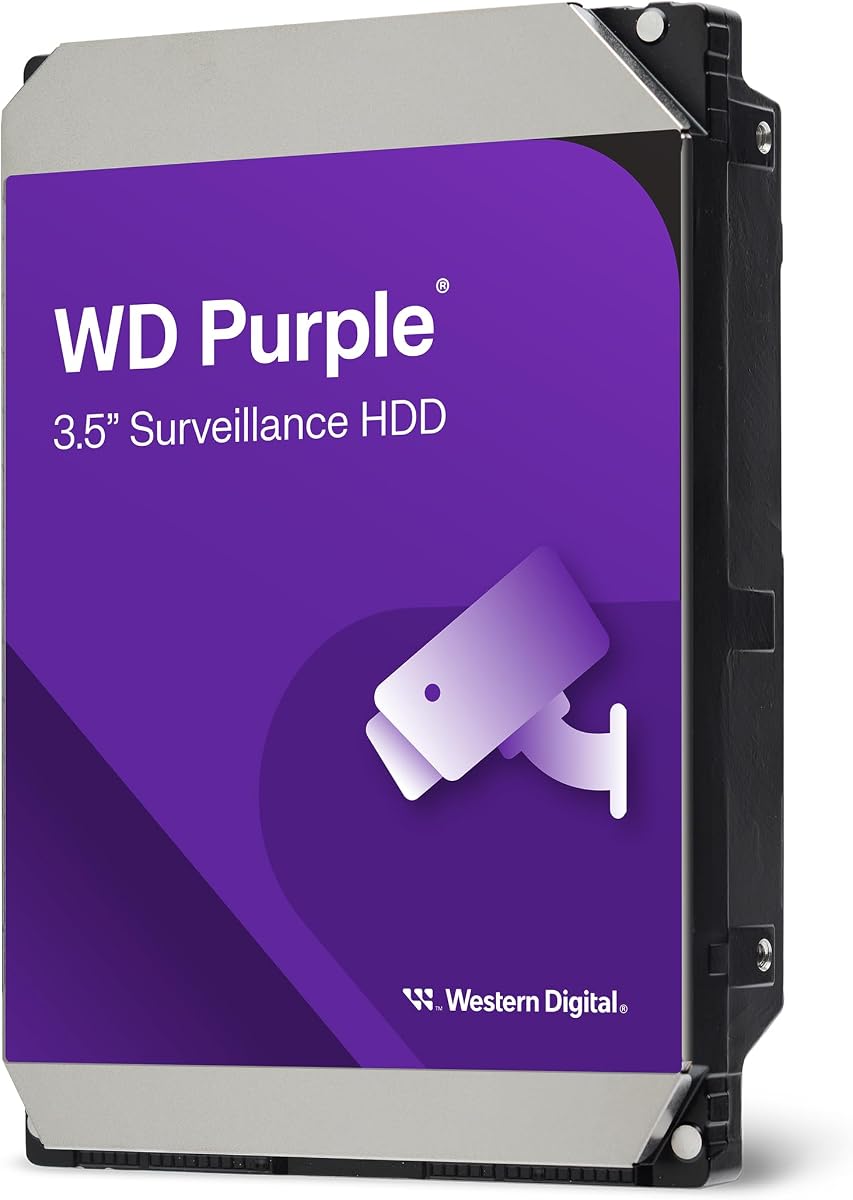
The Western Digital WD Purple 2TB is engineered specifically for mainstream surveillance systems. Its 4.3 rating reflects solid performance in environments requiring continuous writing and reading of video data.
We may earn a commission when you buy through this link, at no additional cost to you.
WD AllFrame technology reduces frame loss and optimizes the drive for low bit-rate high stream-count workloads. It supports up to 180 TB per year workload rate which suits active home security setups.
While excellent for video recording it requires a 3.5 inch slot which might not fit all compact homebases. The cost is higher than generic drives but the specialized features justify the investment.
Choose this drive if you prioritize data integrity and continuous operation over raw speed. It provides robust support for up to 16 bays in larger configurations.
AllFrame technology is designed to handle the specific demands of video recording streams.
Supports a 180TB per year workload rate for intensive recording schedules.
We may earn a commission when you buy through this link, at no additional cost to you.
The Seagate BarraCuda 5TB offers significant storage space in a compact 2.5 inch form factor. Its 4.2 rating highlights its utility for users needing large volumes of data storage for their systems.
We may earn a commission when you buy through this link, at no additional cost to you.
You can store vast amounts of video history with this drive making it ideal for multi-camera setups. It features a 128MB cache and is backed by Seagate's 20 years of innovation in drive technology.
This drive is not specifically optimized for surveillance workloads which might lead to higher wear over time. It is also heavier than mobile drives which could be a factor for vibration-sensitive setups.
It is a great choice if you need maximum storage in a small physical footprint. It allows you to keep recordings longer without needing immediate overwriting.
With 5TB capacity you can store days of high-definition footage easily.
The 2.5 inch size fits into tighter spaces than standard desktop drives.
We may earn a commission when you buy through this link, at no additional cost to you.
The Seagate 1TB Mobile HDD is one of the thinnest and lightest drives available at 1TB. It has a 4.4 rating for its ease of integration into existing designs and portable setups.
We may earn a commission when you buy through this link, at no additional cost to you.
It enables a transition to 2TB capacity without the weight of traditional drives. The standard SATA 6Gb/s interface ensures compatibility with most systems including many homebase units.
While it stores up to 124 hours of high-definition video it may need frequent archiving if recording 24/7. It is not built for the same workload intensity as surveillance specific drives.
This drive is perfect for users who value form factor and ease of installation above all. It offers a balance of thinness and standard compatibility.
At 7mm it is among the thinnest drives available for its capacity class.
Uses a standard SATA 6Gb/s interface for easy connection and setup.
We may earn a commission when you buy through this link, at no additional cost to you.
The Seagate BarraCuda 8TB provides massive storage for those needing long retention periods. With a 4.7 rating it is praised for its high capacity and reliable performance in desktop environments.
We may earn a commission when you buy through this link, at no additional cost to you.
It boasts a sustained transfer rate of up to 190MB/s which helps in managing large video files efficiently. This capacity allows you to archive months of footage without worrying about space.
The drive is designed for desktop PCs and might be too large or power-hungry for some compact homebase units. It is a premium option in terms of physical size and cost.
Ideal for users with dedicated recording hardware that can accommodate larger drives. It offers a solid solution for extensive video storage needs.
8TB of space allows for months of footage retention without overwriting.
Sustained transfer rate of 190MB/s ensures smooth data handling.
We may earn a commission when you buy through this link, at no additional cost to you.
The Seagate Skyhawk 4TB is custom-built for surveillance applications with specialized firmware. Its 4.6 rating indicates it handles 24×7 video workloads with crisp and clear output.
We may earn a commission when you buy through this link, at no additional cost to you.
It features Rotational Vibration sensors which maintain performance in multi-drive systems. The workload rating is 180TB per year which is three times that of standard desktop drives.
This drive is optimized for continuous operation but requires a 3.5 inch bay which may not fit small cases. The price reflects its specialized design for security systems.
Choose this if you are running a dedicated NVR or have a larger enclosure. It ensures video streams remain stable and clear.
Image Perfect firmware ensures clear video recording without corruption.
RV sensors help maintain performance when used in multi-drive setups.
We may earn a commission when you buy through this link, at no additional cost to you.
The Seagate SkyHawk 6TB combines high capacity with advanced health management features. It holds a 4.6 rating for its reliability in demanding DVR and NVR security camera systems.
We may earn a commission when you buy through this link, at no additional cost to you.
The drive health management tool helps monitor the drive status to prevent unexpected data loss. With a 256MB cache it handles multiple high-definition video streams efficiently.
This is a premium option for users needing more than 4TB of space. It ensures long-term reliability with firmware designed specifically for 24×7 surveillance operation.
It is best for larger home offices or estates with many cameras. It offers peace of mind through advanced monitoring tools.
Drive health management tools allow you to track the drive status easily.
256MB cache helps manage multiple video streams without lag.
We may earn a commission when you buy through this link, at no additional cost to you.
The Seagate SkyHawk 2TB offers an entry-level option for surveillance systems. With a 4.4 rating it delivers clear video recording and basic health management for smaller setups.
We may earn a commission when you buy through this link, at no additional cost to you.
It is optimized for DVR and NVR systems ensuring compatibility with standard security software. The 3 year limited manufacturer warranty provides a safety net for your investment.
While it is not as fast as higher-end models it meets the needs of basic security setups. The 2TB capacity is sufficient for a few cameras over a reasonable period.
Pick this if you want a balance of price and specialized features. It is reliable for standard home surveillance needs.
Built specifically for DVR and NVR security systems.
Comes with a 3 year limited manufacturer warranty for peace of mind.
We may earn a commission when you buy through this link, at no additional cost to you.
The Seagate Skyhawk AI 1TB is designed for modern systems integrating AI video analysis. It has a perfect 5.0 rating for its ability to handle high-end surveillance tasks.
We may earn a commission when you buy through this link, at no additional cost to you.
It supports up to 64 HD cameras and 32 AI channels ensuring smooth analysis of multiple streams. The drive is built with tarnish-resistant components to guard against environmental factors.
While it is small in capacity it excels in reliability and speed for active data access. The high workload rate makes it suitable for always-on environments.
Ideal for users needing AI features and high reliability in a compact form. It offers a specialized performance profile for advanced security.
Supports up to 32 AI channels for advanced video analysis.
Tarnish-resistant components ensure long-term performance in varied conditions.
We may earn a commission when you buy through this link, at no additional cost to you.
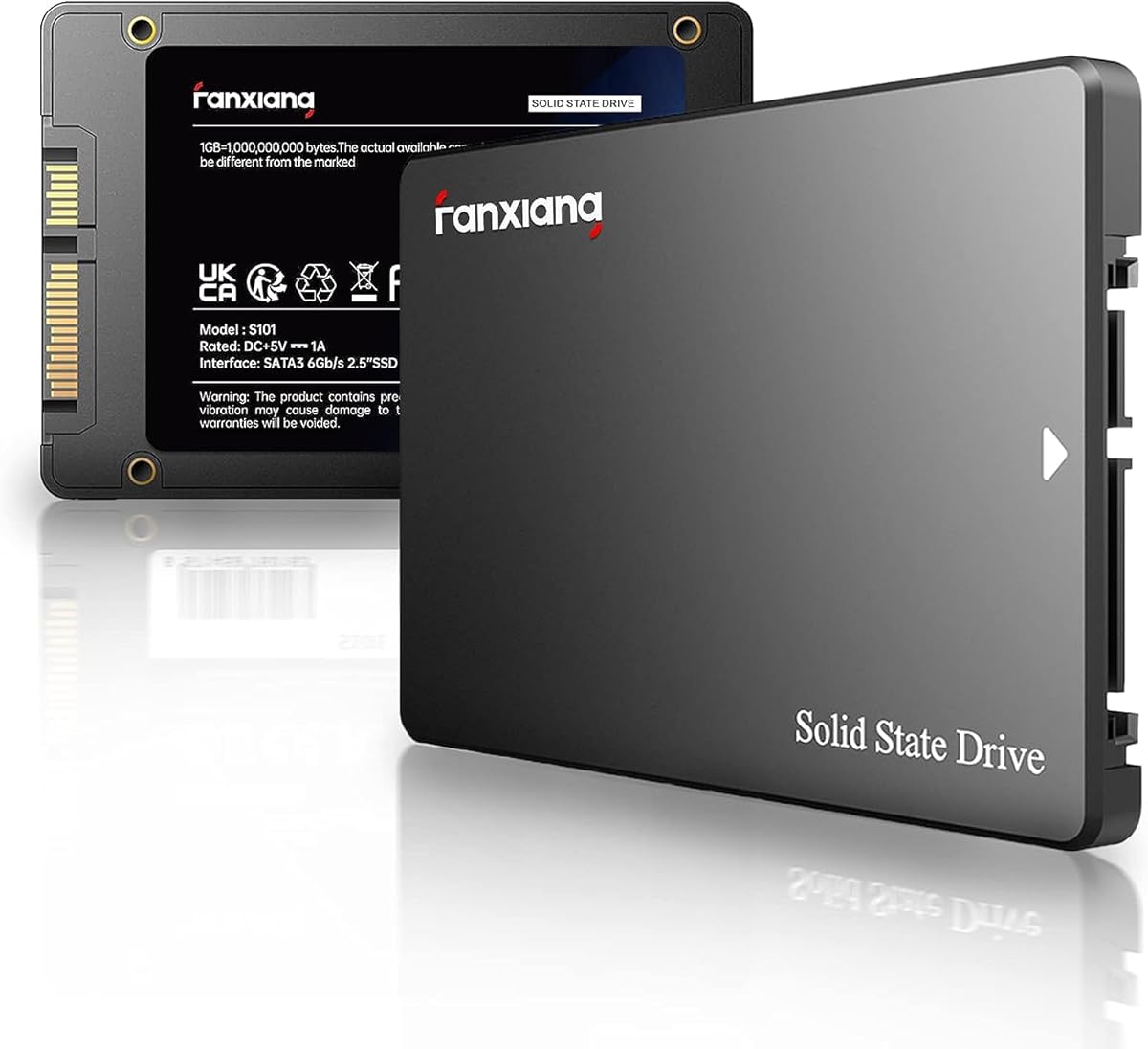
The fanxiang S101 1TB SSD offers a solid state alternative to traditional hard drives. With a 4.5 rating it provides instant productivity and rapid data transfers for your setup.
We may earn a commission when you buy through this link, at no additional cost to you.
Its read and write speeds of 520MB/s significantly outpace standard mechanical drives. The 3D NAND TLC chips offer a longer lifespan compared to other solid state technologies.
However the drive is limited to 1TB capacity which may not suit heavy recording needs. It is an excellent choice for booting systems or storing frequently accessed data.
Choose this if you need speed and quiet operation without moving parts. It is ideal for smaller systems where noise or heat is a concern.
Blazing read and write speeds of 520MB/s for quick access.
No moving parts means it runs silently without any mechanical noise.
We may earn a commission when you buy through this link, at no additional cost to you.
Selecting the right storage involves balancing capacity, endurance, and compatibility. This section covers the main factors to consider for your surveillance setup.
Capacity determines how many days of video footage you can store. For continuous recording 2TB to 4TB is often a sweet spot for a few cameras.
Choose a capacity that matches your retention needs to avoid frequent overwriting.
Surveillance drives are built to handle constant writing which standard desktop drives may not support. Look for workload ratings like 180TB/yr for longevity.
Higher endurance ensures your drive lasts longer under 24×7 recording conditions.
The physical size of the drive matters. 3.5 inch drives are common for desktops while 2.5 inch drives are better for compact systems.
Check your Homebase 3 specifications to ensure the drive fits the available slot.
SATA 6Gb/s is the standard for modern drives ensuring fast data transfer. This helps maintain video quality without dropouts during high activity.
Ensure the drive supports SATA III for optimal performance with your base.
Cache helps buffer data before writing to the platters improving overall speed. Larger cache sizes like 256MB help with multiple streams.
A larger cache improves stability when recording multiple camera feeds at once.
A good warranty protects your investment. Look for drives offering at least 3 years of coverage for reliability.
Choose brands with strong support networks in case of drive failure.
Surveillance-specific firmware helps prevent frame loss and improves video clarity. Look for technologies like AllFrame or Image Perfect.
Specialized firmware ensures your recorded video remains clear and intact.
Install the drive securely to avoid vibrations which can damage mechanical parts. Ensure all connections are tight before powering on the unit.
Regularly check the drive health using the built-in tools or software provided by the manufacturer. This helps catch issues early before data loss occurs.
Keep the environment around the drive cool and dry to extend its lifespan. Avoid placing it in areas with direct sunlight or excessive dust.
Not all drives are compatible. You should check the official specifications for the supported form factor and capacity. Using a drive with the correct interface ensures stable operation.
For continuous recording 4TB or higher is recommended to store weeks of footage. Smaller capacities may overwrite quickly which limits your ability to review past events.
Look for keywords like 'Surveillance' or 'NVR' in the product title. Drives with higher workload ratings and specific firmware are better suited for continuous video recording.
While the drive does not determine resolution it affects data integrity. A drive optimized for surveillance reduces frame drops ensuring your recorded video remains clear and complete.
With proper usage a surveillance drive can last 5 to 10 years. High workload ratings mean it is built to withstand constant writing and reading cycles.
Mixing drives is possible but not recommended for reliability. Different speeds and capacities can lead to uneven wear and potential performance issues in a single setup.
Most systems overwrite the oldest footage automatically when the drive fills up. You can also configure settings to prioritize specific camera feeds if you run out of space.
SSDs are faster and more durable but offer less capacity for the price. For high-capacity recording HDDs are generally preferred due to their cost efficiency and availability.
Choosing the right hard drive ensures your security system runs smoothly. The top picks cover a range of capacities and budgets to fit different needs.
Prioritize drive endurance and firmware features to ensure video quality. Investing in a dedicated surveillance drive helps protect your footage over time.
Remember to check current stock and compatibility details before buying. The best drive is one that fits your specific setup and requirements perfectly.