
Ozeino Wireless Gaming Headset for PS5, PC, Switch| Lossless Audio-40H Batt
4.2Editor score
2.4GHz low latency
40-hour battery life
50mm drivers audio
Discover the top Mac gaming headsets for immersive sound and comfort. This guide compares wired and wireless options to help you choose the best headset for
Finding the right gaming headset for your Mac can be tricky due to compatibility issues with wireless protocols and connector types. Gamers need clear audio, comfortable wear, and reliable voice chat to stay connected during intense sessions. This guide highlights the best options available now.
We evaluated each headset based on audio quality, build durability, microphone clarity, and seamless integration with macOS systems. Our analysis covers both wired and wireless models that support USB-C, USB-A, or Bluetooth connections. We also considered battery life and latency for competitive play.
Each pick includes detailed specs, pros, cons, and real-world performance insights to help you make an informed decision. Prices and availability may change over time, so always check the latest listings before buying. We update this list regularly to reflect new releases and user feedback.
4.2Editor score

4.6Editor score
4.2Editor score
This side-by-side comparison evaluates all ten selected headsets across key performance areas like connectivity, audio quality, and comfort. We highlight which models work best with macOS environments and offer reliable performance for both casual and competitive gaming needs.


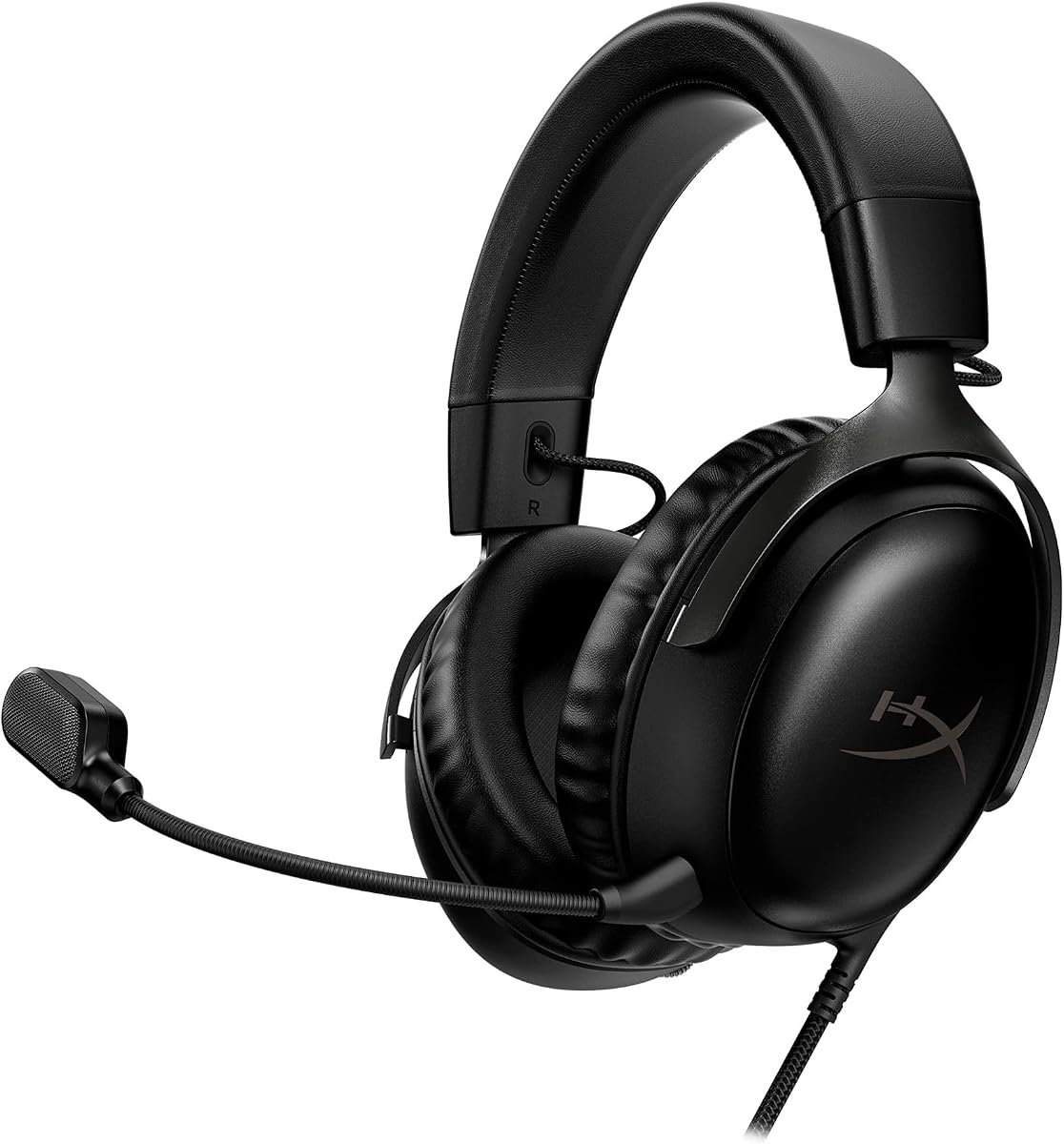


The HyperX Cloud III stands out as the top choice for Mac gamers seeking premium audio without wireless complications. Its robust construction and versatile connectivity make it ideal for desktop setups where stability matters more than portability. With a high user rating, it consistently delivers satisfaction across different gaming genres.
We may earn a commission when you buy through this link, at no additional cost to you.
Its angled 53mm drivers provide immersive audio that brings games to life with precision. The memory foam cushions wrapped in soft leatherette ensure comfort during extended play. Noise-cancelling mic features and inline controls offer convenience without needing external software to manage audio levels or mute states.
While it lacks wireless convenience, the multiple cable options including USB-C and 3.5mm ensure broad Mac compatibility. The metal frame adds durability but can make it slightly heavier than plastic alternatives. These trade-offs are acceptable given the superior sound isolation and build quality for dedicated gaming stations.
This headset is perfect for serious gamers who prioritize audio clarity and comfort over wireless freedom. If you game mostly from a desk and value a plug-and-play experience with Mac, this model is a solid investment. Its longevity and consistent performance justify the investment for long-term use.
The angled drivers enhance spatial sound positioning, letting you hear footsteps and environmental cues with precision.
Premium memory foam and soft leatherette reduce pressure points, allowing hours of comfortable wear during marathon gaming sessions.
We may earn a commission when you buy through this link, at no additional cost to you.
For budget-conscious gamers, the Ozeino Wireless Headset offers impressive value with reliable 2.4GHz wireless connectivity. It supports Mac when used with its USB dongle, delivering low-latency audio crucial for competitive play. Its 40-hour battery ensures you can game for days without frequent charging interruptions.
We may earn a commission when you buy through this link, at no additional cost to you.
The 50mm drivers provide deep bass and clear highs for an engaging soundscape. Intuitive buttons on the earcups allow quick volume and mute adjustments without navigating menus. This convenience makes it practical for casual gamers who want wireless flexibility without breaking the bank.
However, its Bluetooth mode doesn't pair directly with Mac, limiting mobile use cases. The plastic build feels durable but lacks the refinement of premium options. These limitations are minor considering the price point, making it a great entry-level choice for Mac users.
Buy this if you need an affordable wireless headset that works well with Mac via USB. It suits casual players who value battery life and ease of use over premium build quality. It's a smart pick for students or budget gamers starting their setup.
The 2.4GHz dongle provides stable, lag-free wireless connections perfect for gaming on Mac without Bluetooth limitations.
On-ear buttons simplify volume and mute functions, offering quick access during gameplay without interrupting your focus.
We may earn a commission when you buy through this link, at no additional cost to you.
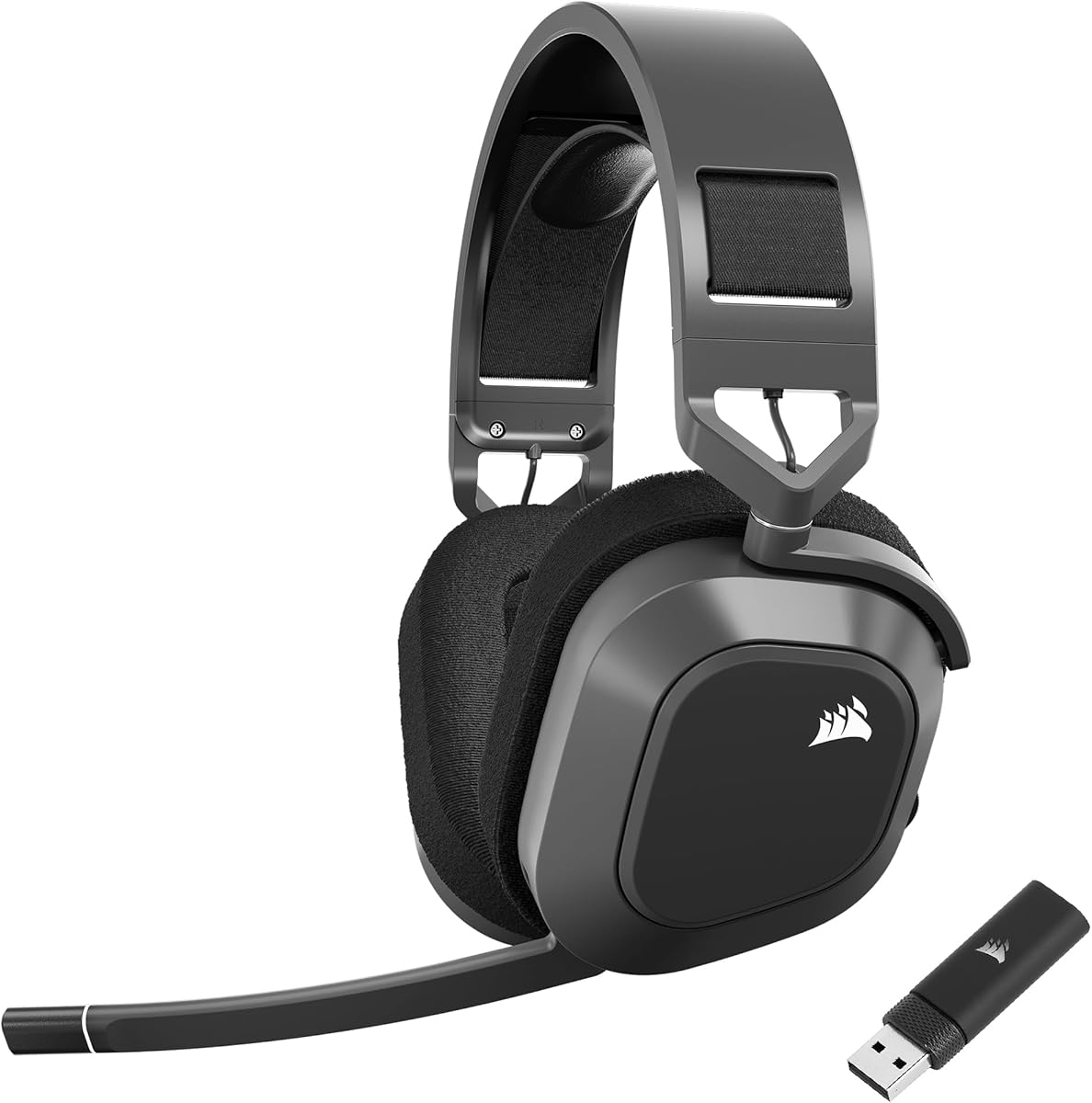
The Corsair HS80 MAX combines high-fidelity audio with versatile connectivity options tailored for Mac users. It supports both 2.4GHz wireless and Bluetooth, allowing seamless switching between PC and mobile devices. Its extended battery life and premium materials make it a top-tier choice for discerning gamers.
We may earn a commission when you buy through this link, at no additional cost to you.
Its 24bit/96kHz audio delivers crisp, detailed sound that enhances immersion significantly. The plush memory foam ear pads and floating headband design ensure comfort even during long sessions. Advanced noise cancellation and clear microphone performance keep communications sharp during intense multiplayer matches.
Its premium price tag may be steep for casual players seeking basic functionality. Customization requires Corsair software which may add complexity to setup. Despite these drawbacks, the audio quality and build robustness justify the cost for those who demand excellence in their gaming gear.
Choose this headset if you want top-tier audio and flexibility for multi-device setups including Mac. It suits gamers who value longevity, comfort, and high-fidelity sound above all. This investment will serve you well for years of reliable performance.
Switch effortlessly between Bluetooth for mobile use and 2.4GHz for low-latency gaming on Mac or consoles.
24bit/96kHz sound provides richer audio detail, enhancing game soundtracks and environmental cues significantly.
We may earn a commission when you buy through this link, at no additional cost to you.
The Corsair Void RGB Elite offers a blend of premium audio and eye-catching aesthetics suitable for Mac setups. Its custom-tuned drivers deliver impressive sound quality with deep bass and clear highs. The aluminum yokes provide durability that stands up to daily wear and tear.
We may earn a commission when you buy through this link, at no additional cost to you.
Microfiber mesh earpads and memory foam ensure breathable comfort for extended gaming. The omnidirectional microphone picks up voice clearly, keeping communication smooth with teammates. USB adapter ensures low-latency wireless performance ideal for competitive gaming environments.
RGB lighting enhances visual appeal but reduces battery life significantly during prolonged use. Setup often requires iCUE software which might complicate use for non-Corsair fans. Still, its build quality and sound fidelity make it a strong contender for style-conscious gamers.
Buy this if you want a durable, stylish headset that looks great on a Mac desk. It suits users who prioritize audio quality and build strength without sacrificing visual flair. Its performance remains reliable for both gaming and media consumption.
Aluminum yokes and white finish create a premium look that complements modern gaming setups perfectly.
Custom-tuned 50mm drivers deliver expansive soundstage, letting you hear every detail in games with precision.
We may earn a commission when you buy through this link, at no additional cost to you.
This headset delivers an extraordinary 100-hour battery life, ideal for gamers who dislike frequent charging. It supports 2.4GHz wireless and Bluetooth plus wired 3.5mm options for maximum flexibility. Its affordability and multi-platform support make it versatile for various gaming and daily use.
We may earn a commission when you buy through this link, at no additional cost to you.
The 7.1 surround sound provides immersive audio depth, enhancing spatial awareness in competitive games. Memory sponge cushions and breathable fabric reduce heat buildup for long wear. Its retractable mic maintains convenience when voice chat isn't needed, keeping the headset sleek.
Microphone clarity is decent but not class-leading compared to premium rivals. The plastic build feels lightweight which may reduce perceived durability. These issues are minor given the incredible battery performance and value, making it a practical choice for casual gamers.
Choose this if you need a reliable headset with unmatched battery endurance and versatile connections. It suits players who prioritize longevity over premium audio details. Its affordability and multiplatform support make it a smart budget buy.
With up to 100 hours of playtime, you can game for days without worrying about running out of power.
Supports 2.4GHz Bluetooth and wired 3.5mm modes ensuring compatibility with most gaming devices including Mac.
We may earn a commission when you buy through this link, at no additional cost to you.
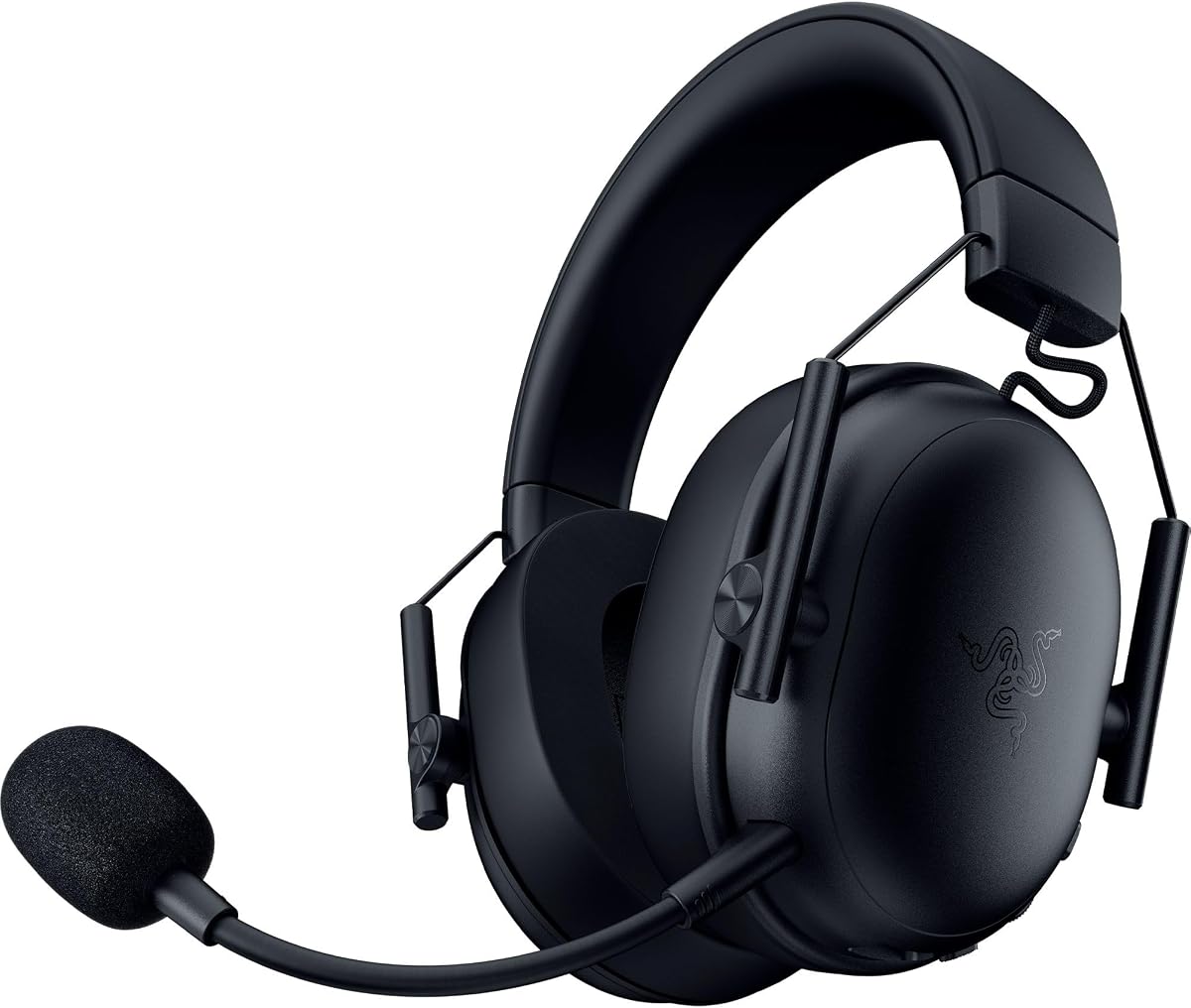
The Razer Kraken V4 X provides excellent wired audio without battery concerns or connectivity issues. Its convertible USB-C and Type A cables adapt to different Mac ports easily. The TRIFORCE 40mm drivers produce distinct highs mids and lows for balanced sound quality.
We may earn a commission when you buy through this link, at no additional cost to you.
Memory foam cushions with hybrid fabric offer comfortable fit for hours. The retractable HyperClear mic ensures clear voice transmission without cluttering the setup. With 7.1 surround sound, you get enhanced immersion without needing extra software or drivers.
Being wired limits mobility which may frustrate users wanting wireless freedom. The cable length might feel restrictive if you sit far from your Mac. Still, the reliable performance and build make it a great pick for focused gaming sessions.
Buy this for a dependable wired headset with strong audio and Mac compatibility. It suits gamers who prefer simplicity and reliability over wireless features. Its design is ideal for competitive players who value consistent audio performance.
No batteries or pairing needed just plug in via USB and start gaming with immediate audio performance.
TRIFORCE drivers deliver clear highs and powerful bass for a dynamic audio experience across all game genres.
We may earn a commission when you buy through this link, at no additional cost to you.
The HyperX Cloud III in black brings the same exceptional audio and comfort as the white version. Its aluminum frame withstands daily wear better than plastic competitors, extending its usable life. Angled 53mm drivers enhance audio precision for gaming and media alike.
We may earn a commission when you buy through this link, at no additional cost to you.
Memory foam cushions ensure comfort without excessive pressure. The 10mm microphone with noise-canceling technology captures clear voice chat even in noisy environments. Flexible connectors allow use with PCs, consoles, and Mac systems seamlessly.
It lacks wireless features which can restrict mobility during gameplay. The build is sturdy but adds some weight compared to lighter options. These factors are acceptable given its proven reliability and strong audio performance across multiple platforms.
Choose this if you want a rugged wired headset that lasts years of consistent use. It suits gamers who value durability and premium audio quality. Its versatility makes it perfect for multi-device gaming setups.
Aluminum frame resists bending and breaking, offering reliable durability for active daily gaming use.
53mm angled drivers deliver dynamic sound with enhanced spatial awareness to improve in-game performance.
We may earn a commission when you buy through this link, at no additional cost to you.
Weighing only 270 grams, this headset minimizes head strain during long play. The Hyperspeed wireless tech ensures low latency for responsive gaming. TRIFORCE 50mm Gen-2 drivers provide enhanced soundstage for better positional awareness in games.
We may earn a commission when you buy through this link, at no additional cost to you.
Its detachable HyperClear mic simplifies storage when not in use. The soft earcups and plush materials ensure comfortable wear. Multiple connectivity modes including Bluetooth allow easy switching to mobile or Mac devices.
Battery life is shorter than rivals, requiring more frequent charging. Comfort might feel snug for users with larger heads due to tight clamping force. These trade-offs are minor given its lightweight design and strong audio quality.
Buy this if you need a portable lightweight headset without compromising wireless performance. It suits mobile and competitive gamers who prioritize ease and speed. Its compact design fits well for on-the-go gaming sessions.
At just 270 grams, this headset reduces neck strain, allowing longer gaming sessions without discomfort.
Hyperspeed wireless ensures audio syncs perfectly with visuals for competitive advantage in fast-paced games.
We may earn a commission when you buy through this link, at no additional cost to you.
This headset delivers immersive Dolby Atmos audio, placing game sounds in three-dimensional space for deeper immersion. Its SLIPSTREAM wireless ensures minimal delay for responsive play. Custom-tuned 50mm drivers provide expansive sound with precise detail across frequencies.
We may earn a commission when you buy through this link, at no additional cost to you.
The broadcast-grade omni-directional mic captures clear voice chat. Memory foam earpads and headband design ensure all-day comfort. With RGB lighting and robust build, it looks great while offering premium audio features for serious gamers.
Its price point may be steep for budget-focused buyers. RGB effects can drain battery faster if not turned off. These issues are acceptable for users who want next-level audio immersion and aesthetic appeal.
Choose this if you want immersive spatial audio and solid wireless performance for Mac gaming. It suits streamers and gamers who value clarity and depth in sound. Its premium features make it a great choice for enhanced setups.
Dolby Atmos support enhances game soundscapes with surround precision, making you feel fully immersed in the action.
Professional-grade microphone delivers clear voice output for seamless communication with teammates and viewers alike.
We may earn a commission when you buy through this link, at no additional cost to you.
The Razer Barracuda X Chroma combines portability with strong gaming features for a versatile headset. Its lightweight ergonomic design makes it comfortable for travel and daily use. SmartSwitch wireless lets you switch between devices seamlessly without interrupting sessions.
We may earn a commission when you buy through this link, at no additional cost to you.
The 40mm TRIFORCE drivers provide balanced audio across genres. Its 70-hour battery ensures extended usage without frequent recharges. RGB lighting adds customization options for personal style, enhancing its appeal for tech enthusiasts.
Its smaller drivers may lack some bass depth compared to 50mm options. The RGB feature adds complexity and cost which may not suit minimalists. Despite this, it remains a great portable gaming solution with solid performance.
Buy this if you want a versatile headset for gaming and commuting with Mac. It suits users who prioritize portability and device flexibility. Its battery life and audio quality make it ideal for daily on-the-go use.
Lightweight build and swiveling earcups make this headset perfect for travel and on-the-go gaming.
Connect to PC via 2.4GHz and mobile via Bluetooth simultaneously for ultimate convenience and flexibility.
We may earn a commission when you buy through this link, at no additional cost to you.
Selecting the right gaming headset for Mac involves balancing connectivity, audio quality, and comfort to match your specific gaming needs.
Mac systems primarily use USB-C or USB-A ports for peripherals, so check that the headset supports these connectors directly or via adapters. Wireless headsets often use 2.4GHz dongles for low latency which work well with Mac but may lack direct Bluetooth pairing for gaming. Wired options offer simplicity and zero latency but reduce mobility.
Look for headsets that provide multiple cable types like USB-C and 3.5mm to ensure compatibility across devices without extra adapters.
Driver size and quality significantly affect audio performance with larger drivers typically providing richer bass and clearer sound. High-fidelity codecs like 24bit/96kHz enhance detail for immersive experiences especially important in competitive gaming where audio cues matter.
Choose headsets with custom-tuned or branded drivers that deliver balanced sound tailored to gaming rather than just music.
A good microphone ensures teammates hear you clearly which is vital for team-based games. Features like noise cancellation and detachable mics improve flexibility by reducing background noise and keeping the headset sleek when not in use.
Check for mic mute indicators and onboard controls to manage voice chat without disrupting gameplay or accessing software.
Comfort determines whether you can game for hours without discomfort, so look for memory foam earpads and breathable fabrics. Metal frames offer durability but can add weight whereas lightweight plastic designs may be less sturdy but easier to wear.
Adjustable headbands and swiveling earcups allow better fit customization for different head shapes and sizes.
Battery life varies widely, from 40 hours to over 100 hours depending on usage and features like RGB lighting. Long-lasting batteries reduce interruptions but fast charging and simultaneous use while charging add convenience for extended sessions.
Consider your typical gaming duration to select a battery capacity that matches your habits and recharging convenience.
Some headsets are optimized for specific ecosystems and may have limited support when switching to Mac or other platforms. Verify that all features including surround sound and RGB lighting function correctly with macOS or your intended devices.
Multi-platform support ensures flexibility if you switch between PC consoles and mobile devices frequently.
Budget models offer solid performance with fewer premium features while high-end options deliver superior build and audio quality. Decide which features matter most such as wireless convenience or microphone clarity to find the best value.
Invest in headsets that balance cost with long-term durability and feature relevance to your gaming needs.
Many gaming headsets include companion software for EQ and lighting customization which may require additional setup on Mac. Evaluate if you need these advanced features or prefer plug-and-play simplicity without software dependencies.
Look for headsets with physical controls for essential functions to avoid software limitations or installation issues.
Connect your headset using the appropriate cable or wireless adapter compatible with your Mac. For wireless models, ensure the USB receiver is inserted securely and drivers are installed if required by the manufacturer to enable full functionality.
Adjust the headband and earcups to fit snugly but comfortably around your head. Use onboard controls to set preferred volume levels and mute your microphone when not in use to manage audio during gameplay or calls.
Clean earpads regularly with a soft cloth to remove sweat and debris. Store the headset in a dry place and avoid exposing it to extreme temperatures to extend its lifespan and maintain audio performance over time.
Many wireless headsets work with Mac via 2.4GHz USB dongles but direct Bluetooth pairing can vary by model. Always check product compatibility lists to ensure reliable connection and full feature support on macOS systems before purchasing.
Headsets with high-fidelity codecs like 24bit/96kHz and custom-tuned drivers deliver the clearest sound and spatial awareness. These features enhance immersion and competitive edge by providing precise audio cues critical for gameplay and communication.
Most modern gaming headsets support multiple platforms including consoles and mobile devices. Check for flexible connectors or dual wireless options that enable easy switching between devices without requiring separate headsets.
Some headsets support Bluetooth pairing on Mac but often at higher latency unsuitable for competitive gaming. Using a 2.4GHz wireless dongle typically offers better performance and stability for gaming applications.
Battery life ranges from 40 to over 100 hours depending on model and usage conditions. Features like RGB lighting and constant wireless transmission can reduce total playtime so choose accordingly based on your session length.
This can result from incompatible connectors missing drivers or Bluetooth pairing issues. Restart your Mac check system sound settings and ensure the headset is charged and properly connected using the correct adapter.
Wired headsets offer zero latency and simpler setup ideal for competitive gaming while wireless models provide greater freedom of movement. Choose based on your priority for performance versus mobility during gameplay.
Many brands offer companion apps for EQ tuning and surround sound settings but compatibility on Mac varies. Check software availability and features before buying to ensure you can personalize audio experience fully.
Our top picks highlight the HyperX Cloud III for comfort and durability the Ozeino Wireless for budget value and the Corsair HS80 MAX for premium versatility. Each model brings distinct strengths catering to different gaming styles and needs.
When choosing prioritize audio quality connectivity options and comfort based on how you game most frequently. Wireless freedom may matter if you move around but wired reliability suits competitive sessions where latency can impact performance.
Prices and availability fluctuate so check current listings and deals before finalizing your purchase. We recommend reading user reviews and testing headsets if possible to ensure they match your preferences and setup.